WhatsApp AI
WhatsApp AI Agent for Business
 Official WhatsApp integration at the most competitive price - use our platform or connect your Claude Code
Updated

 Volty







How the free trial works
Start free
Sign up for the 7-day trial. No credit card needed.
Connect your WhatsApp number
Your number can stay in the WhatsApp Business app on your phone, so your team can still reply from there.
Volty learns your business
It interviews your team, drafts its own instructions and tests itself before it talks to a single customer.
No credit card needed.
Companies choose Volty because they can do so much more
Proven results from businesses
>90%
enquiries automated
Without human
+20%
lead conversion
From 60% faster service
6x
man hour savings
From automations
 Cutis Medical Laser Clinics~100% of patient messages sent as the agent wrote them
 EtonHouse90% time savings, with $1M+ saved every year
 Cake Inspiration75% fewer lost leads, and 91% of conversations resolved by Volty without a human
 Happy Fish1,800+ messages a day and growing, now automated
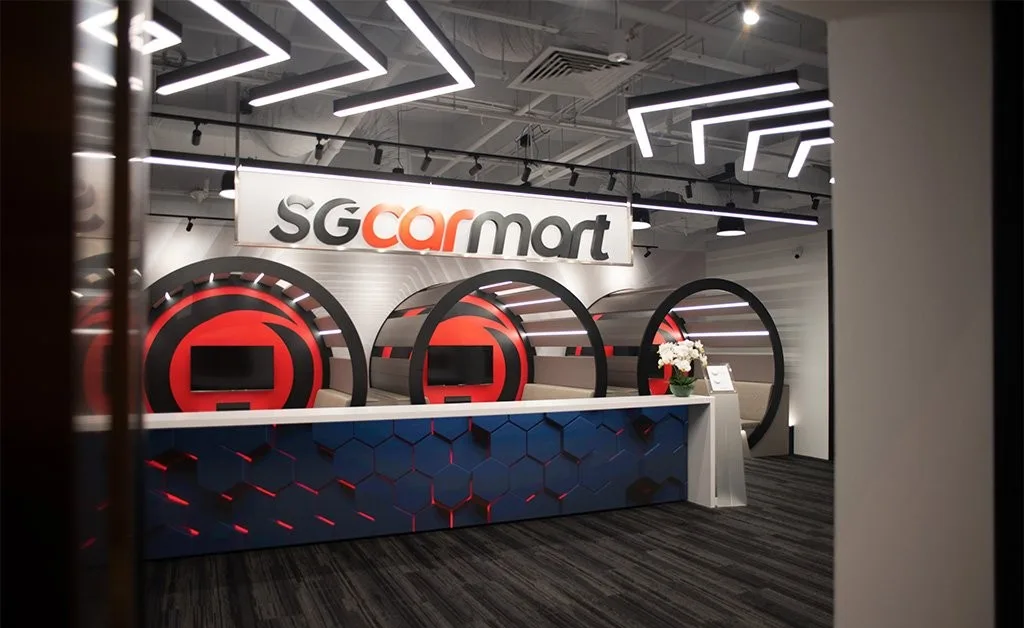 Sgcarmart16+ apps and automations launched in days
 Prologue Clinic70% conversion rate from Volty replies
 Yong Kang TCM Clinic+20% bookings, with booking resolution time during peak period down from 30 minutes to under 5 minutes on average
 Yat Guan3x faster quote turnaround, from 3 days down to 1
Auto-reply, auto-book, and hand off to your team when needed
24/7 AI replies
The agent inside your helpdesk answers in plain language from your business's own information, at 2 PM or 2 AM. It transcribes voice notes and reads photos and documents, then answers in the thread.
In-chat booking
The agent can take any action a system you connect allows, such as booking a cleaning in Google Calendar or adding a new lead to HubSpot. HubSpot, Google Calendar, Notion, Shopify and Slack are built in.
Same-thread handoff to staff
Volty labels each conversation, routes it by your rules and escalates the ones that need someone from your team. When a teammate replies, Volty steps back, and the customer sees one thread.

 Added to Google Calendar


WhatsApp helpdesk with an AI agent





Every WhatsApp conversation lands in one shared inbox, beside email, Messenger and Instagram. Each one is filed as Active, Snoozed, Resolved or Spam and assigned to a teammate, and you can limit how many open conversations one person holds.
The complete WhatsApp Engagement Suite
Approved templates
WhatsApp only lets a business message freely within 24 hours of the customer's last message. After that, Volty follows up with one of your approved templates.
Broadcasts
One approved template goes once to one audience you choose. A broadcast requested in chat waits for a person's approval.
The CRM
Open a customer and see their details, their deals and every conversation with them. When a customer mentions a detail in a chat, Volty fills it in.
Mini apps
A mini app for the team lead shows open and waiting WhatsApp conversations by teammate. Ask Claude Code for it in one line, and your team opens it from Mini Apps.
Automations
Every evening, Volty sends tomorrow's customers your approved WhatsApp reminder. An admin approves each automation before it runs, and every run is logged.
Labels
Volty labels each conversation as it arrives, so product questions reach the person who sells that product. Whatever is left is shared out in turn.



Case studies
Why Volty for WhatsApp
Competitive pricing
Every plan is one monthly price that includes seats, monthly active contacts and AI credits, with the core helpdesk features and unlimited inboxes and channels. Extra seats are an add-on. Start with a free 7-day trial. Meta bills you for its messages separately.
Go-live in days
Volty interviews your team, drafts its own instructions and tests itself before it talks to a single customer. Your number can stay in the WhatsApp Business app on your phone.
Customize from Claude Code
Ask Claude Code, Codex or another coding agent in plain words and it builds automations and mini apps for your helpdesk. Building with your own key is free, and anything that reaches customers waits for an admin.
Automations and mini apps
Customize it from Claude Code
Already use Claude Code, Codex or another coding agent? Ask it in plain words and it builds automations and mini apps for your helpdesk through the Volty CLI.
- Ask for an automation in one sentence, the way you would ask a colleague, such as reminding tomorrow's appointments every evening.
- Ask for a mini app in one line, such as who is carrying the helpdesk this week, and your team opens it from the Mini Apps page.
- Nothing goes to a customer until an admin approves it, and building with your own Claude Code or Codex key is free.




From the blog
- Meta Business Agent Pricing: Token Rate, Examples and Budgets
- Wati Review 2026: Features, Plans, Astra AI and Who It Suits
- Best WhatsApp Chatbots in 2026: 9 Compared, with a Test Script
- How to Get WhatsApp API Access: Step-by-Step (2026)
- WhatsApp chatbot: types, costs, Meta rules and how to choose
- Best AI Sales Agents in 2026: 8 Compared by Job
- WhatsApp Cloud API: How It Works and How to Get Started
- WhatsApp Greeting Message: Setup, Examples and Best Practice
- WhatsApp AI agent: what it does, risks and how to set one up
- How to train an AI agent on your business, step by step
- AI agent vs chatbot: the difference and which you need
- WhatsApp Business Platform: Features, Pricing and Setup
- How to create a WhatsApp chatbot: two routes, step by step
- Away Message for Business: 12 Examples and Setup Tips
- WhatsApp Business API: What It Is, Costs and How to Start
- AI knowledge base: what to put in it and how to keep it right
- WhatsApp Coexistence: Use the API and the Business App Together
- WhatsApp Auto Reply: How to Set It Up, With Message Samples
- AI sales agent: what it does, how to set one up, what to measure
- What is RAG? How retrieval makes WhatsApp chatbots accurate
Frequently asked questions
Start your Sandbox Trial
Start your Sandbox TrialSign up for our 7-day trial. No credit card needed.
Future-proof your business with AI. Hear from our CEO
Meta now charges for WhatsApp replies. Here's what it means for your business, October 8, 2026