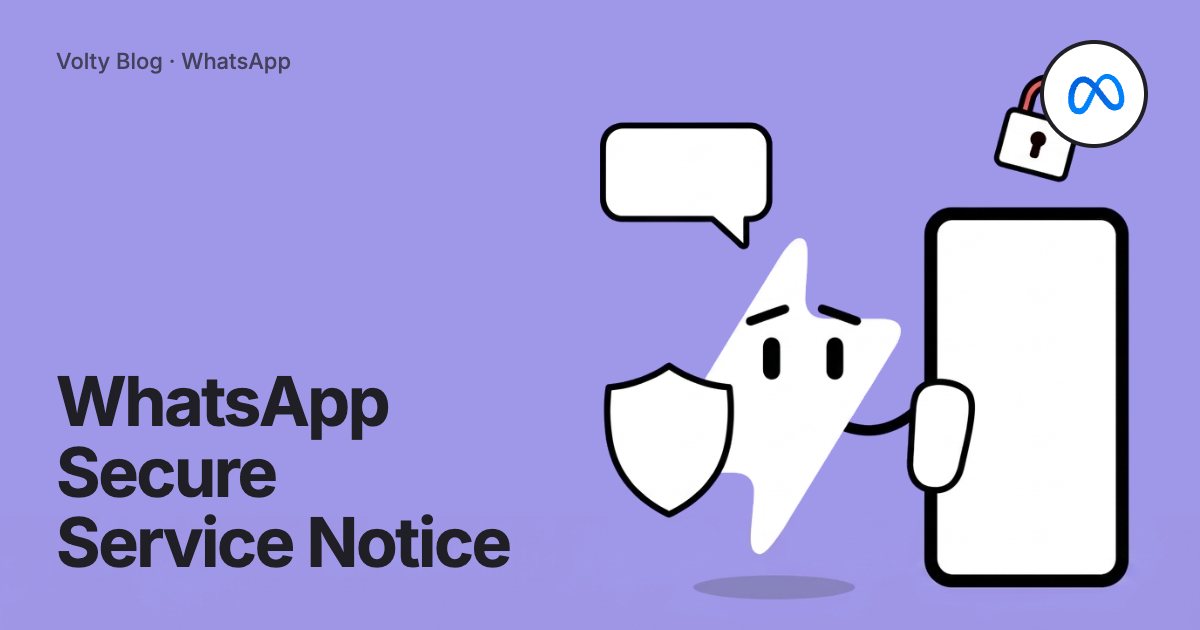


"This business uses a secure service from Meta to manage this chat" means the business answers you through the WhatsApp Business Platform Cloud API, a service Meta hosts. Your messages go to Meta's servers, which store and pass them to the business's software, so the business and the people or tools it chooses can read and reply to them.
WhatsApp shows the line as a small system notice in the chat. When a business switches over, you may see the wording "this business is now using a secure service from Meta to manage this chat" at the point in the conversation where the change happened. This guide covers what it means for you as a customer, and what it means for a business that has just started seeing it in its own chats. The facts come from WhatsApp's help centre articles on connecting with businesses and on end-to-end encryption.
The notices WhatsApp shows in business chats
WhatsApp uses a short system message to tell you how a business handles your chat. There are three you are likely to meet.
| Notice in the chat | What the business is using | Who can read your messages |
|---|---|---|
| "This business uses a secure service from Meta to manage this chat." | The WhatsApp Business Platform Cloud API, hosted by Meta. | The business and the staff, software or vendors it connects. Meta's service handles the messages for the business. |
| "This business works with other companies to manage this chat." | A partner company that stores and answers messages for the business. | The business and the partner company it uses. |
| "Messages and calls are end-to-end encrypted." | The WhatsApp Business app, or the business stores and manages messages itself. | You and the business device that receives them. |
Most businesses that run customer service, bookings or order updates on WhatsApp with software use the Cloud API, so the first notice is the one you will see most often.
Is the chat private?
The chat is private to you and the business, with one change from a personal chat. WhatsApp's help centre says conversations managed by a service from Meta on a business's behalf are not considered end-to-end encrypted. In a chat between two people, only the two phones can read the messages. In a chat run on the Cloud API, your message is encrypted on its way to Meta, and Meta's service then holds it and hands it to the business's systems.
That has a few practical effects, all stated in WhatsApp's help centre:
The business can let employees or other vendors read and answer your messages.
The business can use the chats it receives for its own marketing, which can include advertising on Meta.
Meta says it will not automatically use the messages you send a business to choose the ads you see.
When a business uses AI from Meta to answer, WhatsApp shows "uses AI from Meta" under the business name.
In plain terms, treat the chat like an email to a company's support address. Many people at the company may see it, and it sits in the company's systems after you send it. Your chats with friends and family are not affected.
Is it a scam?
The notice is generated by WhatsApp itself. A scammer cannot type it into a chat, and seeing it does not mean anything is wrong. It also does not prove the business is who it claims to be. Any business, including a fake one, can sign up for the Cloud API.
Check these things before you share money or personal details:
Open the business profile and compare the name and number with the ones on the company's official website.
Look for the verified badge next to the name, which Meta gives based on the business's activity and the documents it provides.
Be wary of messages that push you to pay quickly, click a short link or move the conversation to another app.
If in doubt, contact the company through its website and ask whether the WhatsApp number is theirs.
Why the notice suddenly appeared in an old chat
If you have chatted with a shop, clinic or school for months and the line "this business is now using a secure service from Meta" appears halfway down the conversation, the business has moved its number onto the Cloud API. Common reasons are:
The business connected a shared inbox so several staff can answer the same number.
It added a chatbot or an AI agent to answer common questions outside office hours.
It linked its WhatsApp Business app to the inbox in Meta Business Suite. Meta's business help centre says chats then become managed by a secure service from Meta, and Meta tells customers about the change.
Nothing changes in how you use the chat. You keep your message history, and you reply the same way.
For businesses: why your customers see this
If you have just connected your number to a WhatsApp platform and the notice has started showing in your chats, it is working as expected. Every number on the Cloud API shows it, so every business you compete with on the API shows it too. There is no setting in WhatsApp Manager or in any provider's software that hides it.
The notice can also tell you when something has gone wrong. When a number drops off the API, the chat shows a yellow "messages and calls are now end-to-end encrypted" notice instead, and messages stop reaching your inbox. Our guide to the end-to-end encrypted disconnection warning covers how to reconnect the number.
Will it put customers off?
Most customers never tap it. The ones who do are usually asking the same questions this article answers: is it safe, and who reads my messages. A few habits keep trust high:
Use the same display name and logo on WhatsApp that customers know from your website and shopfront.
Put your WhatsApp number on your website, so customers can check it is really yours.
Apply for the verified badge through your Meta business portfolio once your business is verified.
Say in your greeting who is replying, for example "Hi, this is the Acme support team. Our assistant replies instantly and a person takes over when you need one."
Tell customers how you use their messages in your privacy policy, and link it from your WhatsApp profile.
Can you keep the WhatsApp Business app?
Yes. Meta's coexistence feature lets one number run in the WhatsApp Business app and on the API at the same time, so your team can keep answering from the phone while software receives the same messages. Once the number is on the API, expect your customers to see the secure service notice in their chats. Our WhatsApp coexistence guide explains what syncs and the rules that can disconnect a number.
App or API: what you gain for the notice
Staying on the WhatsApp Business app alone keeps the end-to-end encrypted notice, and it limits you to the phones the app runs on. Moving to the Cloud API brings the notice, and it lets a whole team, an AI agent and your other systems work on one number. Our comparison of WhatsApp, WhatsApp Business and the API includes a simple test for when the switch is worth it, and the WhatsApp Cloud API guide covers the setup.
A worked example
A dental clinic answers WhatsApp from one phone at the front desk. Messages that arrive after 6pm wait until morning, and two receptionists pass the phone between them. The clinic connects the number to a shared inbox through coexistence. From that day:
Patients see "this business is now using a secure service from Meta to manage this chat" once, at the point of the switch, and the same notice at the top of new chats.
Both receptionists answer from their own logins, and the front desk phone still works.
An AI agent answers questions about opening hours and prices at night and books appointments, and hands harder questions to staff in the morning.
The clinic adds a line to its greeting saying who is replying, and links its privacy policy from the WhatsApp profile.
A patient who taps the notice reads WhatsApp's explanation, sees the clinic's familiar name and logo, and carries on booking.
How to do this in Volty
Volty is a Meta Business Partner that connects your number to the WhatsApp Cloud API, so your customers see Meta's secure service notice in their chats. Volty connects through coexistence, so your team keeps the WhatsApp Business app on their phones, and Volty can import up to six months of one-to-one chats if you choose to share them. Replies from the phone show in Volty alongside the AI agent's answers and your team's replies in one inbox. See how the Volty WhatsApp agent works.
Frequently asked questions
What does "this business uses a secure service from Meta to manage this chat" mean?
It means the business replies to you through the WhatsApp Business Platform Cloud API, which Meta hosts. Your messages are stored and handled by Meta's service on the business's behalf, and the business reads them through its own software. WhatsApp shows the notice so you know how the chat is managed.
Is a chat with this notice end-to-end encrypted?
WhatsApp's help centre says chats managed through Meta's hosted service are not considered end-to-end encrypted. Messages are still encrypted on the way to Meta, and Meta's service then handles them for the business. The business, and any staff or vendors it chooses, can read what you send.
Is the "secure service from Meta" message a scam?
The notice itself is a normal system message from WhatsApp and is not a scam. It only tells you which technology the business uses, so it does not prove the business is genuine. Check the business name, the profile and the number against the company's own website before you share payment or personal details.
Why did "this business is now using a secure service from Meta" appear in an old chat?
The business moved its number onto the WhatsApp Cloud API, often to use a shared inbox, a chatbot or an AI agent. WhatsApp adds the notice to the chat at the moment the change happens. Your earlier messages stay in your chat history.
Can a business remove the secure service from Meta notice?
No setting hides it. WhatsApp shows the notice in every chat a business runs on the Cloud API. WhatsApp shows "messages and calls are end-to-end encrypted" instead only when the business uses the WhatsApp Business app alone or stores and manages messages itself.