

Restaurants use WhatsApp to take table bookings, answer menu and allergen questions, accept takeaway and catering orders, send order updates and invite regulars back. Diners already message venues to ask if there is a table, so a managed WhatsApp number meets an existing habit.
This guide covers the uses worth setting up, how to keep service running while messages arrive, and the rules for sending offers and reminders.
What diners message restaurants about
The same few questions arrive every day:
Is there a table for four tonight at 7?
Are you open on the public holiday, and what is on the menu?
Is the dish vegetarian, halal or nut-free?
Can you cater for 40 people next Friday?
Where is my order?
The staff who could answer are serving food. Messages sit unread during the lunch rush, and a diner who waits an hour has usually booked somewhere else. That is the problem WhatsApp management solves, whether through a shared inbox and rules, an AI agent, or both.
Six uses for a restaurant
1. Table bookings
A diner sends the date, time and party size. The agent checks the booking calendar for open tables, offers a time and confirms. A reminder goes out before the booking, with a YES to confirm and a NO that frees the table and offers another time. Volty's appointment booking offers open times and books, moves and cancels in chat, writing to a Volty table, Google Calendar or a system with an API. See the booking guide for the full flow.
2. Menu, hours and allergen questions
Upload the menu, opening hours, location, parking and the allergen sheet. The agent answers from them and says when it does not know. For allergens, the safe rule is to answer only what your sheet states and to hand any specific medical concern to a person who can check with the kitchen.
3. Takeaway and catering orders
For simple takeaway, a structured chat can collect items, quantity, pickup time and name, confirm the total and send a payment link. For catering, the questions are different: headcount, date, venue, dietary needs and budget. Capture them as fields, give a rough quote from a price list, and pass the enquiry to the catering manager. Nigel Kok, GM at RichFood Catering, said of the chatbot Volty built:
"Volty brought our vision to life with a custom AI chatbot. Customers get instant answers, browse menus, and place orders seamlessly. Leonard and his team were attentive and genuinely cared about getting everything right."
4. Order and delivery updates
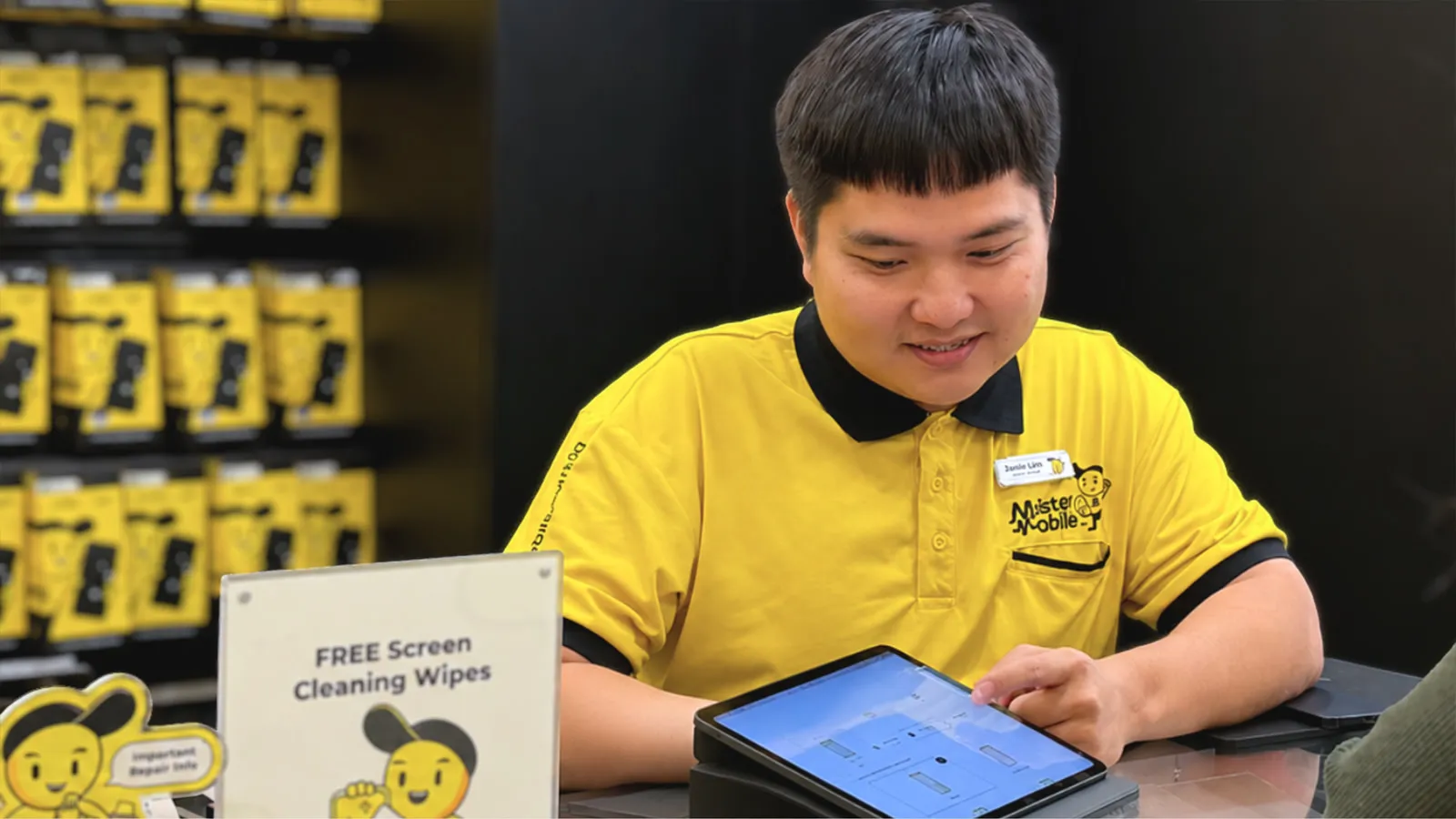
A short confirmation and a ready-for-pickup message cut the calls to the counter. A template sent after the order is a utility message, and the customer can reply in the same thread with a question. A retail example of the same idea is Mister Mobile, where a WhatsApp confirmation carries the order number, the appointment, the branch and a QR code that staff scan at the outlet to pull up the reservation. See Mister Mobile.
5. Bringing regulars back
Segment customers by what they ordered or when they last visited, then send one approved template to a segment: a seasonal menu, a set lunch, a slow-night offer. Replies come back to the inbox and are answered like any message. See broadcasts and the broadcast guide. Send only to people who agreed.
6. Feedback after the meal
A message the next day asking how the visit went catches comments while they are fresh. A diner with a complaint should reach a manager, so route low ratings and negative words to a named person.
Keeping service running while chats arrive
| Problem during service | Fix |
|---|---|
| Nobody can look at the phone | An AI agent answers repeated questions and books tables |
| One person holds the only phone | A shared inbox with several staff and a named owner per chat |
| Complaints reach the wrong person | Labels and routing rules send them to the manager |
| Staff change at each shift | One conversation history that anyone can pick up |
| Peak hour floods the inbox | Draft mode and handoff rules, with the AI covering simple chats |
In Volty your team chooses, inbox by inbox, whether the AI replies on its own, writes drafts or stays out, and the AI can answer at night while drafting in office hours. When a conversation needs a person, Volty hands it to the right teammate and tells the customer who is taking over.
Rules for messaging diners
Opt-in: Meta's WhatsApp Business Policy lets you contact people only if they gave you their number and agreed to receive messages from you. Add a consent line to your booking form, your website and your loyalty sign-up. See the opt-in guide.
The 24-hour window: replies are free-form within 24 hours of the diner's last message. Anything after that, such as a reminder two days ahead, must use an approved template. See the 24-hour rule.
Categories: a booking reminder is utility, and a promotion is marketing. Mixing an offer into a reminder can change how Meta categorises it. See the templates guide.
Payment details: Meta's policy asks businesses not to request full card numbers in chat. Use a payment link.
Stop requests: honour them straight away.
Three templates to have approved
Booking confirmation: "Hi {name}, your table for {party size} at {time} on {date} is confirmed at {outlet}. Reply NO if you need to change it."
Reminder: "Hi {name}, a reminder of your booking tonight at {time}. Reply YES to confirm or NO to pick another time."
Order ready: "Hi {name}, your order {number} is ready for pickup at {outlet}."
Keep each template to a single purpose, with no offers inside. Meta reviews templates before first use, and an offer inside a utility message can lead to recategorisation as marketing.
What to measure
Messages answered in the first five minutes, split by service hours and quiet hours
Table bookings made through chat, and the no-show rate before and after reminders
Catering enquiries that reached a quote, and the share that closed
Replies and bookings that follow each promotion to regulars
Chats handed to staff, and how long they waited
Single venue or a group
One venue can run a single number with a small team in one inbox. A group with several outlets should decide early whether each outlet has its own number or whether one number serves all, because that shapes routing and reporting. With several outlets, tag each conversation with the outlet and route it to that outlet's team, keeping group-level catering enquiries with a central person. The Lo & Behold Group's COO, Rifeng Gao, described Volty's customised AI solutions as having streamlined the group's back-office workflow, with a 50% reduction in manpower requirements for some roles. That result is in the back office, and it shows how restaurant groups use the same platform beyond the front of house.
Another food business on Volty
Cake Inspiration, a custom cake studio, gets 50 to 60 leads a day, and before Volty saw about 15 of them drop off each day because replies took too long. Its case study reports 75% fewer lost leads and 91% of conversations resolved by Volty without a human, with Volty answering from the shop's own website, catalog and FAQ. Its founder, Kai Yang, said: "I can fix the agent myself now, without waiting on an engineer." See the case study.

Setting up in a week
Day 1: connect the restaurant's number, or the number for each outlet. Use coexistence if staff want to keep the Business app.
Day 2: upload menus, allergen sheet, hours, locations, set menus and catering price list.
Day 3: set the table calendar and booking rules, such as party size limits and the last booking time.
Day 4: write routing rules: bookings to the host, catering to the events manager, complaints to the manager.
Day 5: submit the booking confirmation, reminder, order-ready and promotion templates for approval.
Days 6 and 7: run in draft mode and read the replies after each service.
Mistakes to avoid
Answering allergen questions from memory. Use the sheet, and escalate unusual cases.
Leaving a booking calendar that is separate from the front-of-house book. One source of truth only.
Sending offers to everyone. Segment, and keep to people who agreed.
No plan for a busy night. Set the handoff rules before the weekend.
Run WhatsApp for a restaurant in Volty
Volty answers diners on WhatsApp, Instagram, Messenger, email and web chat, books tables, sends reminders and broadcasts to opted-in segments, and keeps your team in charge of what the AI does alone. See the WhatsApp AI agent page and the current plans on Volty's pricing page; prices differ by market and can change.
Frequently asked questions
How can restaurants use WhatsApp?
Restaurants use WhatsApp to take and confirm table bookings, answer menu and allergen questions, accept takeaway and catering orders, send order updates, ask for feedback and invite regulars back with offers they agreed to receive.
Can a restaurant take reservations on WhatsApp?
Yes. The customer says the date, time and party size, the agent checks the table calendar, offers open times and confirms the booking in chat. Reminders cut no-shows. Volty books into a Volty table, Google Calendar or a system with an API.
Do I need the WhatsApp Business API for a restaurant?
A single small venue with one phone can use the free WhatsApp Business app. Multiple outlets, several staff replying, automatic bookings and broadcasts call for the API. Coexistence keeps the Business app working on the same number.
Can I send promotions to customers on WhatsApp?
Only to people who agreed to receive them. Meta's policy requires opt-in, and promotions sent outside the 24-hour window must use approved marketing templates. Collect consent at booking, at the till or on your website.
Can an AI agent take food orders?
Yes. It can answer menu questions, take a structured order, confirm the details and pass it to your team. RichFood Catering describes a custom Volty chatbot where customers get instant answers, browse menus and place orders.