

WhatsApp appointment booking lets a customer ask for a time in a chat, see which times are open, pick one and receive a confirmation in the same thread. With an AI agent connected to your calendar, the whole exchange happens without a staff member in the middle.
AI appointment scheduling is the same idea, with the agent understanding free-text requests such as "Saturday morning if possible" and checking real availability before it answers. This guide shows how the flow works, how to set it up, how to handle reminders and changes, and what to measure.
Three ways to take bookings on WhatsApp
| Method | How it works | Where it breaks |
|---|---|---|
| Manual | Staff read each message, check the calendar and reply | Slow after hours; depends on whoever is on shift |
| Link-out | The chat sends a link to an online booking page | Customers drop off between the chat and the page |
| In-chat with an AI agent | The agent offers open slots and books in the thread | Needs a calendar or system the agent can read and write |
Link-out is the easiest to build, but it asks a customer in a conversation to leave it. In-chat booking keeps the customer where they are. The extra work is connecting the calendar, and that is the part to get right.
What an in-chat booking looks like
The customer writes: "Can I book a cleaning this weekend?"
The agent asks the minimum: which service, any preferred practitioner, and whether they are new or returning.
It reads your calendar and offers two or three open times that fit your hours and rules.
The customer replies with a choice or asks for something else.
The agent books the slot, confirms the details and tells your team.
The same thread handles the next step. If the customer writes later to move the booking, the agent finds the existing one, keeps the same service and staff member, offers new times and frees the old slot. If they want to cancel, it can offer a new time first and cancel if they still want to, or hand the case to your team.
Step 1: decide the booking rules
Before connecting anything, write down the rules a receptionist follows without thinking:
Services and how long each takes
Who can perform each service, and their working hours
The earliest and latest a booking can be made
The notice required to change or cancel
How you want the day filled, for example back-to-back or spread out
What needs a person, such as a first-time consultation or a group booking
In Volty you tell the agent these in plain words: your services, who takes them, your hours and how you want the day filled. Changes inside your notice period can go to the front desk instead of being handled by the agent.
Step 2: choose where bookings live
The agent needs a place to read availability and write bookings. Options in Volty:
A table in Volty, for businesses with no booking software
Google Calendar, which offers free time across your calendars and books into them. See Google Calendar.
Plato Medical, for clinics that already run on it. See Plato.
Another system with an API, such as an appointment tool you already pay for
Whichever you pick, keep one source of truth. If bookings are also written into a spreadsheet by hand, the two will drift.
Step 3: connect the channels
Customers write on several apps, so the same booking logic should work on Instagram, Messenger, email and your website chat. Volty books, moves and cancels on every channel and lands every conversation in one inbox. On the website, the chat can answer with cards such as time slots to book. See appointment booking.
Step 4: add reminders and confirmations
Reminders protect the bookings you already have. A reminder with a clear reply option gives the customer an easy way to confirm, move or cancel, and it frees slots you can refill.
Choose the timing: for example 24 hours before, and a second reminder 2 hours before for first visits.
Write the template with the customer name, date, time, place and the choice to reply YES or NO.
Submit it to Meta for approval. A reminder sent outside the 24-hour window must use an approved template. See the templates guide.
Decide what NO does: offer new times in the same chat, or alert the front desk.
List the customers who have not replied and nudge them once.
Volty's appointment reminders work this way: YES updates the appointment, NO offers new times, and Volty tries the automation on tomorrow's real appointments, sending nothing, before an admin approves it. At one medical clinic on Plato, Volty handles about 2,700 YES and NO reminder replies a month.
Rules to respect
Opt-in: Meta's WhatsApp Business Policy allows you to contact people only if they gave you their number and agreed to receive messages from you. A customer who messages you first can be answered, and a booking form can include the consent line. See the opt-in guide.
The 24-hour window: free-form replies work within 24 hours of the customer's last message. Reminders and follow-ups beyond that need approved templates. See the 24-hour rule.
Health details: for clinics, Meta's policy asks you not to send or request health information where regulations prohibit it. Keep chat to the logistics of the visit.
Meta messaging window on other channels: reminders on Messenger and Instagram work only inside Meta's messaging window for those channels.
What businesses report
Yong Kang TCM Clinic, an integrative TCM clinic in Refresh Group, whose brands run 19 outlets across Singapore, Malaysia and Indonesia, reports peak-time booking resolution down from 30 minutes to under 5 minutes on average, and 20% more bookings with no new headcount. Its founder, Elson Lee, said:

"Delivered real-time human-like response, boosting chat traffic by 60% and bookings by 20%. Customers book appointments within minutes!"
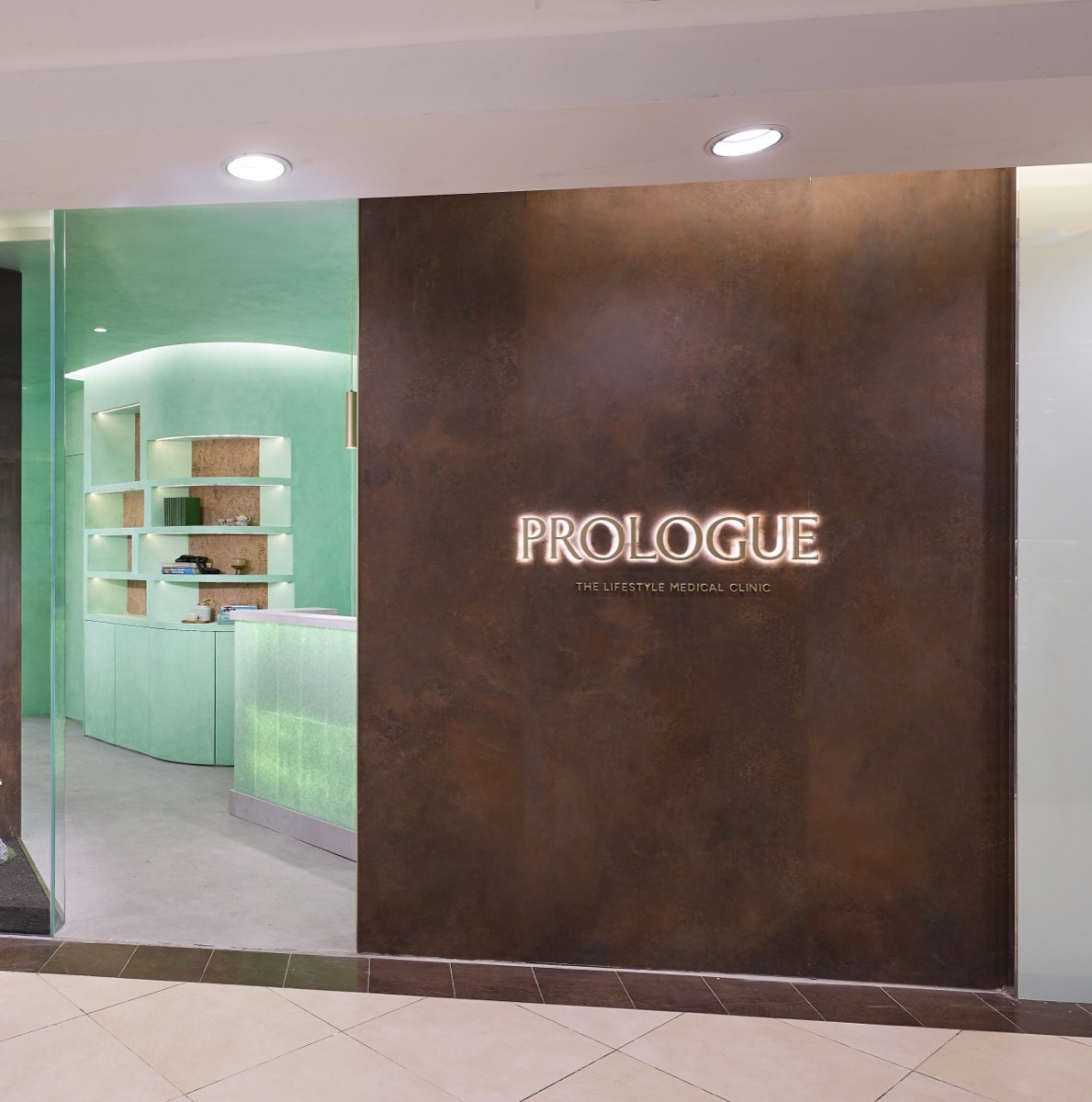
Prologue Clinic's agent books straight into Plato, and its case study reports a 70% conversion rate from Volty replies. Happy Fish, a swim school, reports trial classes booked in the chat bringing 50 new sign-ups a week.

Numbers to track
| Metric | What it shows |
|---|---|
| Enquiries that end in a booking | Whether the flow converts |
| Bookings made after hours | The gain from answering at night |
| Confirmation rate | Whether reminders get answers |
| No-show rate | Whether reminders and nudges work |
| Bookings moved or cancelled by the agent | How much admin the agent removed |
| Bookings handed to staff | Whether your rules are too tight |
Common mistakes
Booking from a spreadsheet nobody updates. Connect to the live calendar.
Offering ten slots. Two or three get a faster answer.
Ignoring cancellations. Recovering a cancellation with a new time often keeps the sale.
Skipping a test. Always check on a few real days before you turn on live replies.
Forgetting staff. When a booking is made, the team should see it in the inbox or the calendar at once.
For clinic specifics, read AI agents for healthcare, and for service businesses that take bookings and quotes, WhatsApp sales.
Take bookings on WhatsApp with Volty
Volty's appointment booking offers open times, books, moves and cancels in your chat channels, sends reminders and writes to a Volty table, Google Calendar, Plato or any system with an API. Prices depend on your market and can change; see Volty's pricing page.
Frequently asked questions
How does WhatsApp appointment booking work?
A customer messages your business number, an AI agent or a staff member checks which times are open in your calendar or booking system, the customer picks one, and the booking is created and confirmed in the same chat. Reminders and rescheduling use the same thread.
What is the best WhatsApp booking system for a small business?
The best one is the one connected to the calendar your team already uses. A booking chat that cannot see real availability creates double bookings. Look for a tool that reads open slots from Google Calendar or your practice system and can book, move and cancel.
Can AI schedule appointments on WhatsApp?
Yes. An AI agent can understand a request in natural language, offer open times, book the one chosen, keep the same service and staff member when rescheduling, and free the old slot. Volty does this on WhatsApp, email, Messenger, Instagram and web chat.
How do I reduce no-shows with WhatsApp?
Send a reminder before each appointment with a clear YES to confirm and NO to reschedule, offer new times in the same chat to people who cannot come, and follow up with anyone who has not answered. Reminders sent outside the 24-hour window must be approved templates.
Do I need the WhatsApp Business API for appointment booking?
For a few bookings a week, the free WhatsApp Business app and a manual calendar can work. For automatic booking, reminders sent on a schedule and several staff replying, you need the API through a provider.