Integration

    IntakeQ and Volty

    Wellness practices on IntakeQ (PracticeQ) let new clients book a first visit from web chat, and every client gets a confirmation email the afternoon before.

    Updated

    Who hasn't confirmed for tomorrow

    Megan asks which of Thursday's clients are unconfirmed, and sends a second nudge from the same thread.

    Practice team

    Volty · Team chat

    MP

    Megan Price

    Who on tomorrow's book hasn't confirmed?

    Read IntakeQThu Nov 5 · 9 appointments · 2 with no reply to the 4pm email

    VoltyAPP

    Two: Ryan Murphy at 10am and Luis Herrera at 2pm. Shall I text them as well?

    MP

    Megan Price

    Yes please

    Sent templateAppointment confirmation · Ryan Murphy, Luis Herrera

    Google Sheets

    IntakeQ · Thu Nov 5

    TimeClientPractitionerReply
    29:00amSofia RamirezKevin ZhaoConfirmed
    310:00amRyan MurphyKevin ZhaoNone yet
    411:30amHannah LeeMaya OrtizConfirmed
    52:00pmLuis HerreraMaya OrtizNone yet

    Row 3 added by Volty

    What Volty does with IntakeQ (PracticeQ)

    IntakeQ, now called PracticeQ, runs scheduling, forms and billing for small health and wellness practices such as acupuncture, massage and counseling. Volty stays on the calendar side. A new client asks on your web chat, Volty reads the practitioner's open times and books the first visit, and the afternoon before each appointment it emails a confirmation with the address and what to bring. Forms and anything the client wrote in them stay in IntakeQ, where your staff read them.

    • First visits booked from chat

      Volty reads the practitioner's open times and books the one picked.

    • Confirm or move by email

      A reply the afternoon before keeps the slot or opens new times.

    • Unconfirmed list in team chat

      The owner asks who has not replied and gets names with times.

    • Health details stay with staff

      When a client starts describing a health concern, Volty says it cannot discuss it and offers to book or pass the message to a practitioner.

    A doctor in a white coat walking toward the camera in a clinic hallway, with colleagues talking and working at a counter behind her.
    Two of tomorrow's clients have not confirmed yet, flagged at 4pm.

    A first acupuncture visit

    Sarah wants a Saturday first visit. Volty reads Kevin's openings and books 10am.

    WV

    Website visitor

    Web chat · Website visitor

    I'd like to book my first acupuncture appointment. Do you have anything Saturday?
    Checked IntakeQKevin Zhao, LAc · Sat Nov 7 · free 10am and 1pm
    VoltyKevin has 10am or 1pm on Saturday, November 7. Which suits you, and what name should I book it under?
    10am, Sarah Bennett
    VoltyBooked: Saturday, November 7 at 10am with Kevin, Sarah. A first visit runs 75 minutes and is $120. Wear loose clothing and arrive 10 minutes early.

    As an automation

    Describe it to Volty in a sentence; it drafts the automation and an admin turns it on.

    Afternoon-before confirmations

    1. When

      4pm the day before

      Automation

    2. Step 1

      Tomorrow's appointments

      Time, practitioner, location

    3. Step 2

      Confirmation email

      From your practice address

    4. Step 3

      Keeps or moves it

      From the client's reply

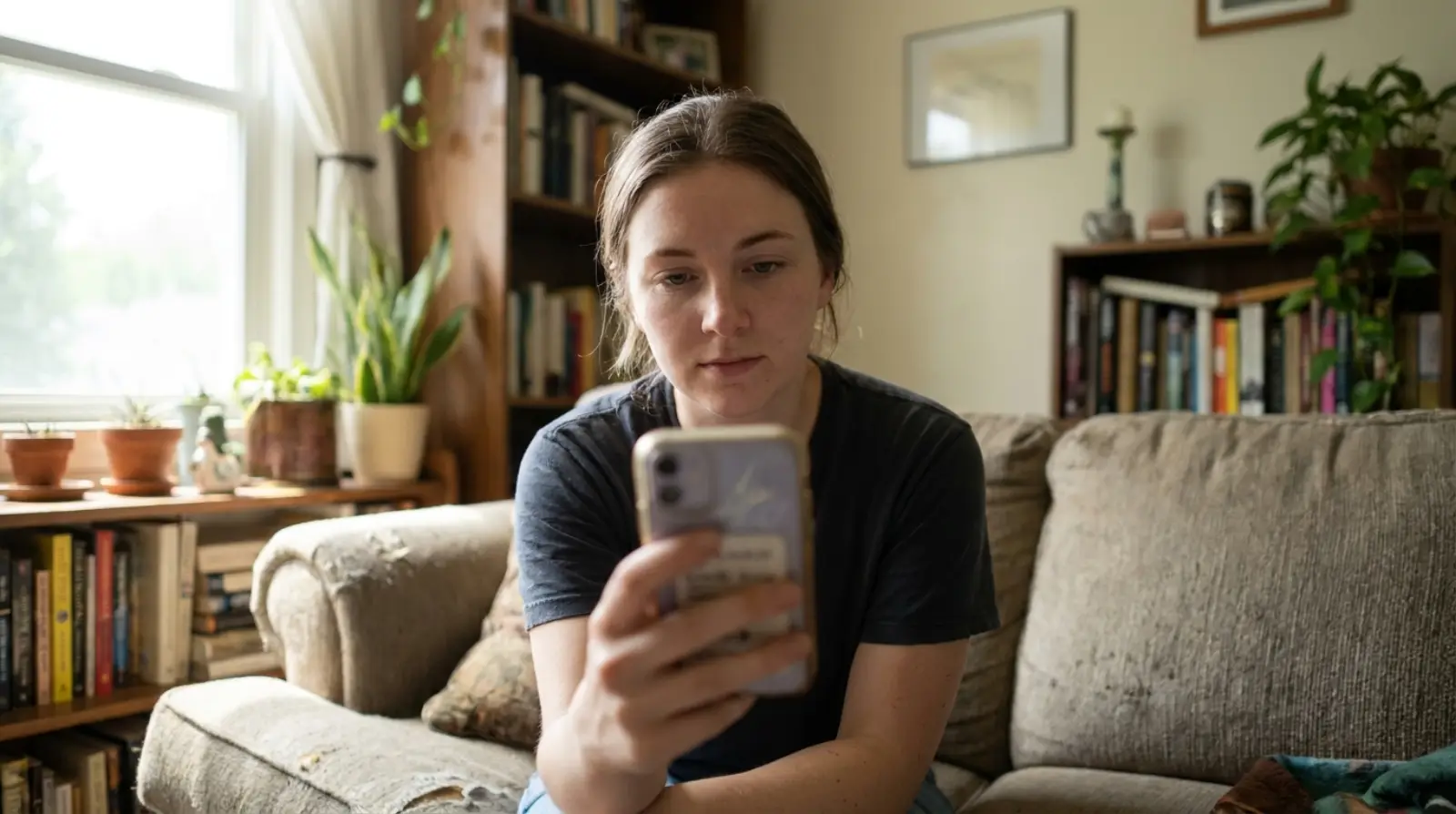
    A young woman in a dark T-shirt reading her phone on a couch in her living room.
    Sarah confirms Saturday and asks where to park.

    How Volty connects to IntakeQ (PracticeQ)

    IntakeQ has a public REST API. The account owner turns it on under More, Settings, Integrations, Developer API, and copies the key there. IntakeQ's standard limits are 10 requests a minute and 500 a day.

    1. 01

      Enable the Developer API

      Account owner: More, Settings, Integrations, Developer API.

    2. 02

      Agree the scope

      Clients and appointments only; forms, notes and invoices stay out.

    3. 03

      Approve in Volty

      Our team stores the key in a custom connection; your admin approves it.

    4. 04

      Set booking

      Starts Off, then On with client confirmation or Check with staff.

    The tools Volty gets

    Each one is a switch on the Sources page in Volty.

    • Match a sender to an IntakeQ clientReads
    • Tomorrow's IntakeQ appointmentsReads
    • Open times for a practitionerReads
    • Book a first visitChanges
    • Move an IntakeQ appointmentChanges

    Reading tools can be turned on straight away. Anything that changes IntakeQ (PracticeQ) starts Off, and once on it can be set to check with staff, so each change waits for a colleague.

    Common questions

    Does Volty read our clients' forms or notes?

    No. The connection is scoped to clients and appointments, so intake forms, signatures, notes and invoices stay in IntakeQ for your staff. Volty is for scheduling and front-desk questions, not for health records, and does not sign a BAA.

    How do we give Volty access to IntakeQ?

    The account owner turns on the API in IntakeQ under More, Settings, Integrations, Developer API, and copies the key shown there. Our team adds that key to a custom connection in Volty, and an admin approves it before Volty reads anything.

    Will confirmations hit IntakeQ's API limits?

    IntakeQ's standard limits are 10 requests a minute and 500 a day, and higher limits are available on request. A small practice's afternoon confirmation run and chat bookings fit within the standard limits; a busy multi-practitioner clinic may want to ask IntakeQ for more.

    How much does it cost to connect IntakeQ with Volty?

    Every Volty plan includes seats, active contacts and AI credits and starts with a free 7-day trial, and the plan prices are on voltade.com/pricing. Meta bills message charges separately for WhatsApp, Instagram and Messenger.

    Sign up for our 7-day trial. No credit card needed.

    Not convinced? Hear more from our CEO and Volty

    The Leonard and Volty Show · 8 October 2026

    Meta now charges for WhatsApp replies

    Meta now charges for WhatsApp replies. Here's what it means for your business, 8 October 2026