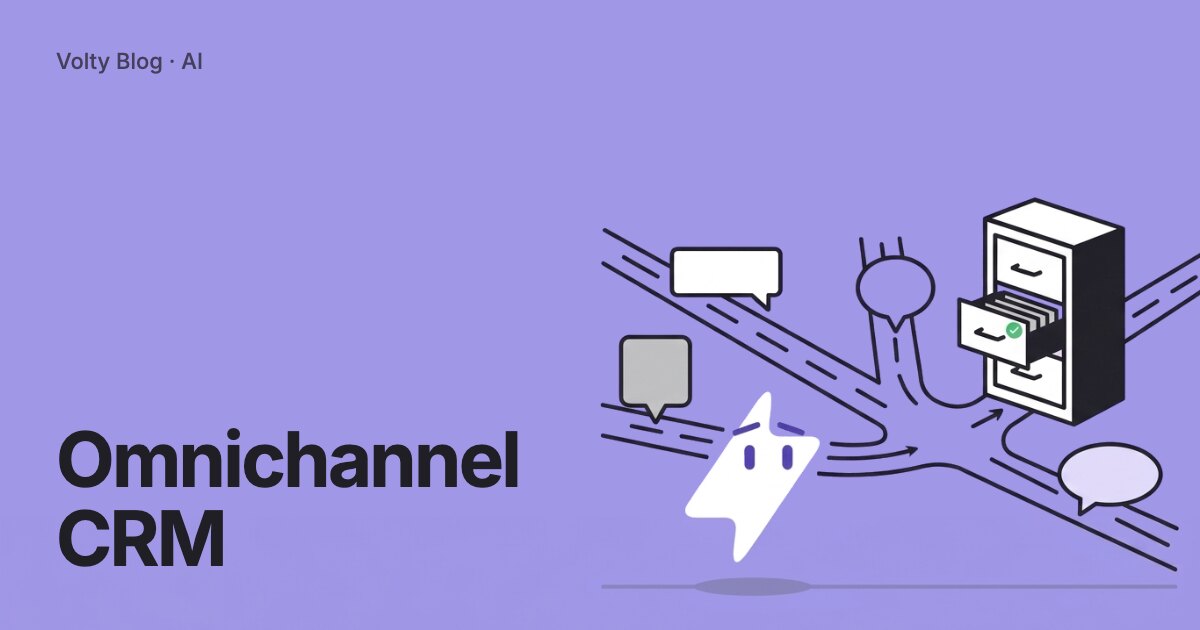


An omnichannel CRM keeps one record per customer and attaches every conversation to it, whichever channel it came from. A shopper who asks about stock on Instagram and pays on WhatsApp is one contact with one timeline, and anyone on your team can pick up the thread where it stopped.
That sounds obvious, but many CRMs do not do it. This guide explains what the term covers, how the matching works, what to ask a vendor, and how to set up a version that your team will use.
Omnichannel and multichannel are different things
Multichannel means you are present on several channels. Omnichannel means those channels share a memory. The difference shows up the first time a customer switches.
| Moment | Multichannel setup | Omnichannel setup |
|---|---|---|
| A customer writes on Instagram, then WhatsApp | Two contacts, two threads | One contact, two threads on one timeline |
| A teammate picks up the chat | Asks the customer to repeat | Reads the history first |
| You send a promotion | Each tool keeps its own list | One segment, one send |
| You ask where leads come from | Reports per channel, never joined | One lead source on the contact |
| A customer opts out | Honoured in one tool only | Recorded on the one contact |
The cost of the first column is not abstract. Customers repeat themselves, teammates double-reply, and a lead that wrote on two channels is counted twice in your reports.
What sits inside an omnichannel CRM
Four parts have to work together. If a vendor demo skips one, ask about it.
A shared inbox where every channel arrives, with assignment, labels and a reply target per inbox
A contact record that holds email addresses, phone numbers and channel handles together
Fields and a pipeline that you define, so the CRM fits your sales steps
Automation that acts on the record: replies, follow-ups, reminders, broadcasts and handoffs
The inbox is the visible part. The contact record is the part that decides whether the whole system is omnichannel, so the next section spends longer on it.
How one person is matched across channels
Channels identify people differently. WhatsApp knows a phone number. Email knows an address. Instagram and Messenger know a platform-specific handle that reveals neither. A web chat visitor may be anonymous until they type their name.
A good system starts a contact on the first message and adds identifiers as the customer provides them. When a visitor on web chat confirms a phone number, the record can be linked to the WhatsApp contact with that number. Where two records look like the same person, the system should suggest a merge and let a human confirm it. Silent automatic merging is risky: two relatives sharing a phone number can end up in one record.
Volty works this way. A contact holds an email address, a phone number and channel handles, and Volty offers to merge a second record of the same person. It can also hand an email to a teammate or ask one on WhatsApp, and their reply carries back into the email thread.
Choosing one: eight questions for any vendor
Which channels arrive in the inbox today, and which are on a roadmap? Only count what ships.
Can I see a customer's Instagram and WhatsApp threads on one timeline?
Can I add my own fields, and who can change them later, a developer or me?
What fills the fields: my team typing, a form, or the system reading conversations? What review exists for the automatic ones?
How do routing and assignment work? Can I route by topic, set a limit per person, and mark a teammate away?
How does it handle WhatsApp's 24-hour reply window and approved templates when a follow-up is due?
What does it connect to: my current CRM, calendar, store or practice system? Can I export everything?
How is pricing built: per seat, per contact, per message, or per AI usage? Ask for the bill at your volume.
Question 6 trips up many teams. Meta lets a business send free-form messages only within 24 hours of the customer's last message. After that, a pre-approved template is needed. A CRM that schedules follow-ups across channels has to know which rule applies to each contact. The 24-hour rule guide covers it in more detail.
Where AI fits in an omnichannel CRM
Without AI, an omnichannel CRM shows your team everything and leaves the work to them. With an AI agent on the same record, three jobs change.
Replies: the agent answers from your own information, reading the contact's record first so it does not ask what you already know.
Records: it updates fields from the conversation, with approvals on the changes that matter.
Follow-up: it finds customers who went quiet and chases them on the channel they use.
Control matters more than capability here. Each inbox should choose whether the AI replies on its own, drafts for your team to send, edit or reject, or stays out. In Volty you can also let the AI answer at night and draft during office hours.
What you can measure once channels share a record
The reports are where the shared record pays back. With one contact per person, these become answerable:
Leads by source, counted once, across search, social, ads, direct visits and AI search referrals
First reply time per inbox and per teammate, so slow queues are visible
Conversations that ended with a booking, a quote or a sale, by channel
Customers who wrote on more than one channel before buying, which tells you where to staff
Follow-ups sent and the replies they produced
Volty tracks website visitors from their first visit, carries ad and campaign details from your links into the chat, asks each lead how they heard about you, and builds a leads-by-channel dashboard when you ask for one. The marketing channels page shows what that looks like.
Where omnichannel projects go wrong
Most failures are about people and rules. The software usually works.
Everything lands in one inbox with no routing. Product questions go to whoever is online, so nobody owns them. Set rules on day one and share the leftovers in turn.
Too many channels at launch. Connecting seven channels you barely monitor creates unanswered threads. Start with the two or three that carry most of your volume.
No reply target. Without a first-reply goal per inbox, speed is a feeling instead of a number.
Two sources of truth. If the old CRM and the new one both stay editable, they drift. Pick one system of record and let the other read from it.
Migration skipped. A CRM that starts empty is ignored for a month. Import the history first.
Evidence from Volty customers
Happy Fish, a swim school with 10 outlets in Singapore and 11 in Malaysia, moved from replies that took about two hours to instant answers on WhatsApp and its web form. Its case study reports staff handling up to 300 inquiries a day and 50 new sign-ups a week from trial classes booked in the chat. Read it at Happy Fish.

At Cake Inspiration, the founder describes the part that matters to a CRM owner:
"I can fix the agent myself now, without waiting on an engineer." Kai Yang, Founder, Cake Inspiration
The Cake Inspiration case study reports 75% fewer lost leads and 91% of conversations resolved by Volty without a human, with every lead qualified before a designer takes over.

Setting up an omnichannel CRM in five steps
Pick the channels. Connect only the ones your customers write on, so the inbox stays readable.
Create inboxes by purpose, such as sales, support and finance email, each with its own team and reply target.
Define fields. Start with source, interest, stage and owner, then add what is specific to your business.
Import history from the WhatsApp Business app, a CSV or your old CRM so the first day is not empty.
Write the routing rules and the approval rules, then run in draft mode for a week.
For records that fill themselves from conversations, read the social CRM guide, and omnichannel customer service for the support side.
Run an omnichannel CRM in Volty
Volty puts WhatsApp, Instagram, Messenger, email and web chat into one shared inbox, with one AI agent answering from one knowledge base and one CRM filling in from every conversation. Connect your number, sign in with Facebook or Microsoft, paste one script tag on your website, and pick the inbox each channel goes to. See plans and the current prices for your country on Volty's pricing page; prices can change.
Frequently asked questions
What does omnichannel CRM mean?
It means one customer has one record and one history, whatever channel they write on. A person who emails on Monday and messages on WhatsApp on Tuesday shows up as a single contact with both conversations on the same timeline, so whoever replies next can see what was already said.
What is the difference between omnichannel and multichannel CRM?
A multichannel CRM lets you use several channels, but each channel can keep its own thread and its own contact. An omnichannel CRM joins those threads into one customer history. The test is simple: can an agent see the Instagram question while replying to the same person on WhatsApp?
Which channels should an omnichannel CRM include?
The ones your customers use. For most small and mid-sized businesses that is WhatsApp, Instagram and Messenger direct messages, web chat and email. Volty covers those five. Check any vendor against the channels you actually receive messages on today.
How does an omnichannel CRM match one person across channels?
It matches on identifiers the customer gives you, such as a phone number or email address, and keeps channel handles on the same contact. Where it suspects two records are the same person, it should propose a merge and wait for a human to confirm it.
Can an omnichannel CRM work with my existing CRM?
Yes. Many teams keep HubSpot, Salesforce, Pipedrive or Attio as the system of record and add an omnichannel layer for the conversations. Volty reads those records before it replies and writes back when you allow it.