Integration
Nookal and Volty for allied health clinics
Volty books, moves and cancels Nookal appointments for patients who message on WhatsApp, Instagram, Messenger, email or web chat, and fills freed slots from your waiting list. Your practitioners carry on in Nookal.
Updated
Appointment booking and rescheduling
Books the right appointment type
Initial or standard consult, at the location the patient picks, with the practitioner they already see
Reschedules existing appointments
Same practitioner and appointment type
Cancels existing appointments
Offers to move it first, then offers the slot to a patient on your Nookal waiting list
Appointment and follow-up reminders on WhatsApp
Appointment reminders 1 day before
Patients confirm or move it in a tap, and Volty updates Nookal
Follow-up check-ins after a course of treatment
3 weeks, 6 months, or when a care plan has sessions left
Exercise and aftercare check-ins
Different messages and timing for each appointment type, to cut no-shows and bring patients back for their next session
Patient analytics and CRM
Understand what your patients are asking for
Pain after a session goes straight to your team
Visualise marketing channels
Know where to put your ad spend to bring more patients to your clinic
Customise dashboards by simply chatting with Volty
Build these dashboards your way, in minutes



Invoice automation
Connect to your invoicing software
Xero, Quickbooks, or others
Automate invoice sent through WhatsApp or Email
Payment reminders automatically sent if not paid


Your practitioners keep working in Nookal
Volty sits in front of Nookal, on the channels your patients already use. Everything your team does in Nookal stays where it is.
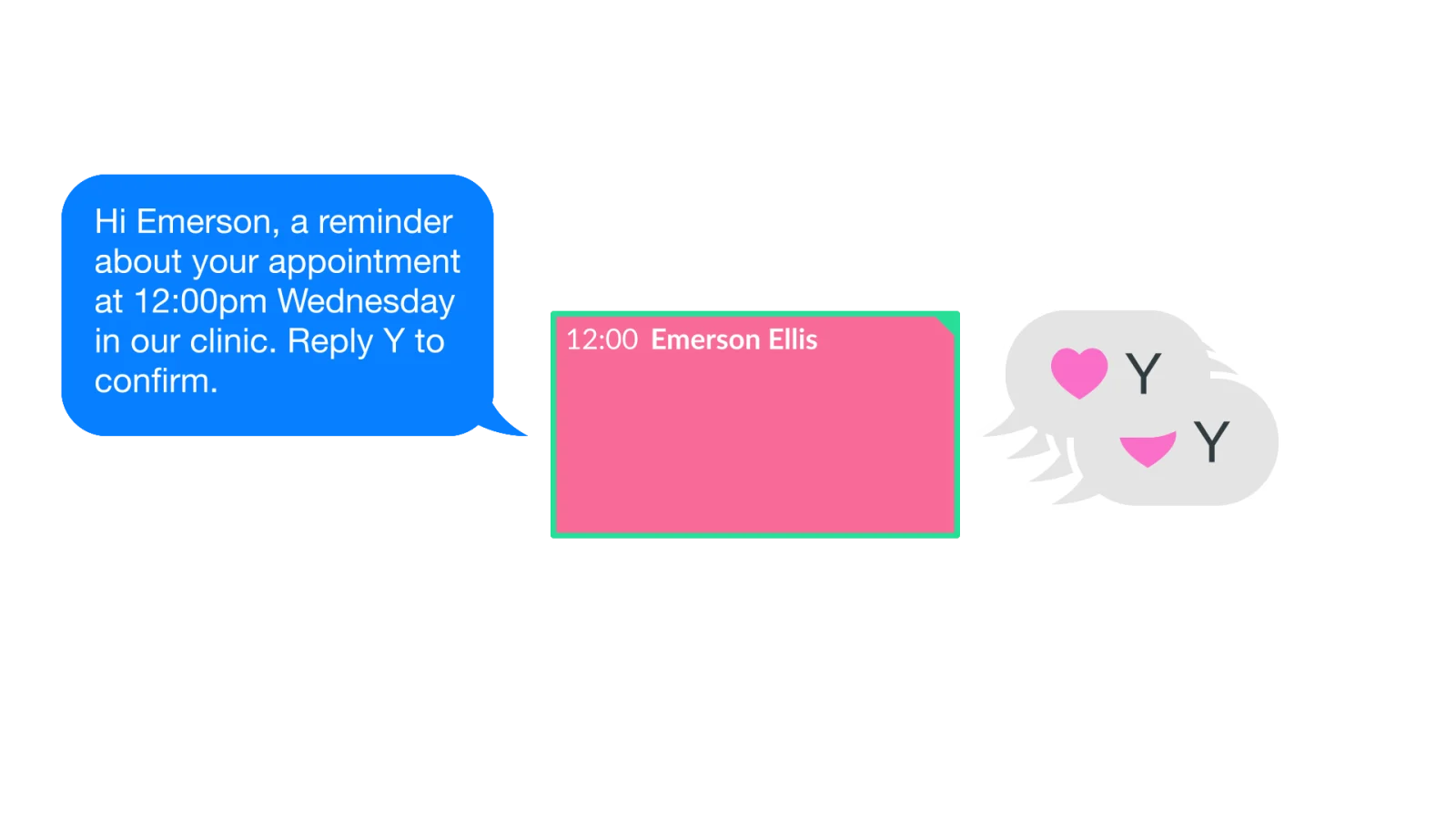
Nookal's reminders keep running
Nookal sends its SMS and email reminders as it does now. Volty adds WhatsApp, where patients reply in their own words and Volty confirms, moves or cancels the appointment in Nookal.
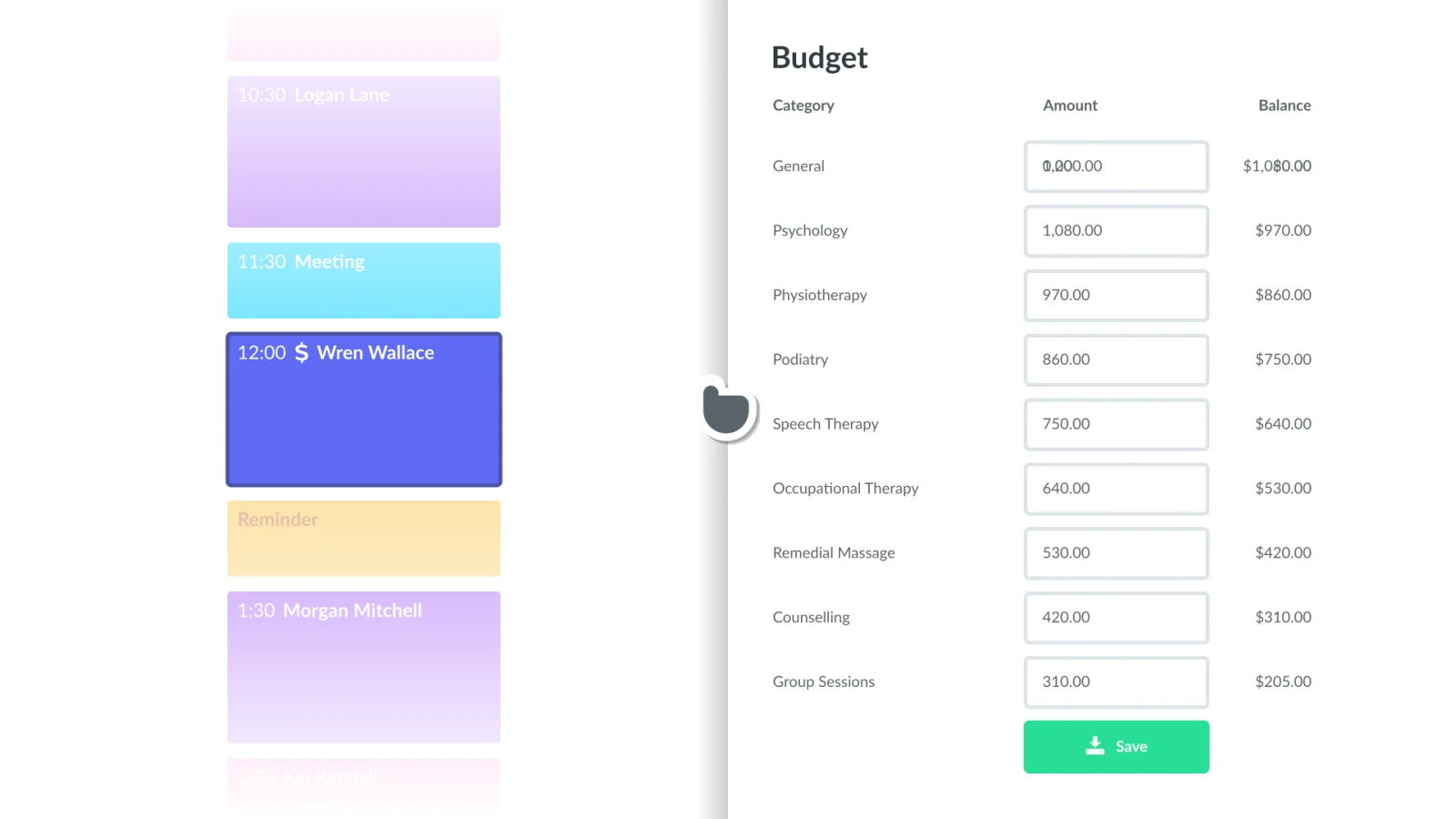
Cases and budgets stay in Nookal
Your team manages cases, funding and budgets in Nookal as before. Volty books the sessions and answers the questions around them, and leaves every case and budget as it is.
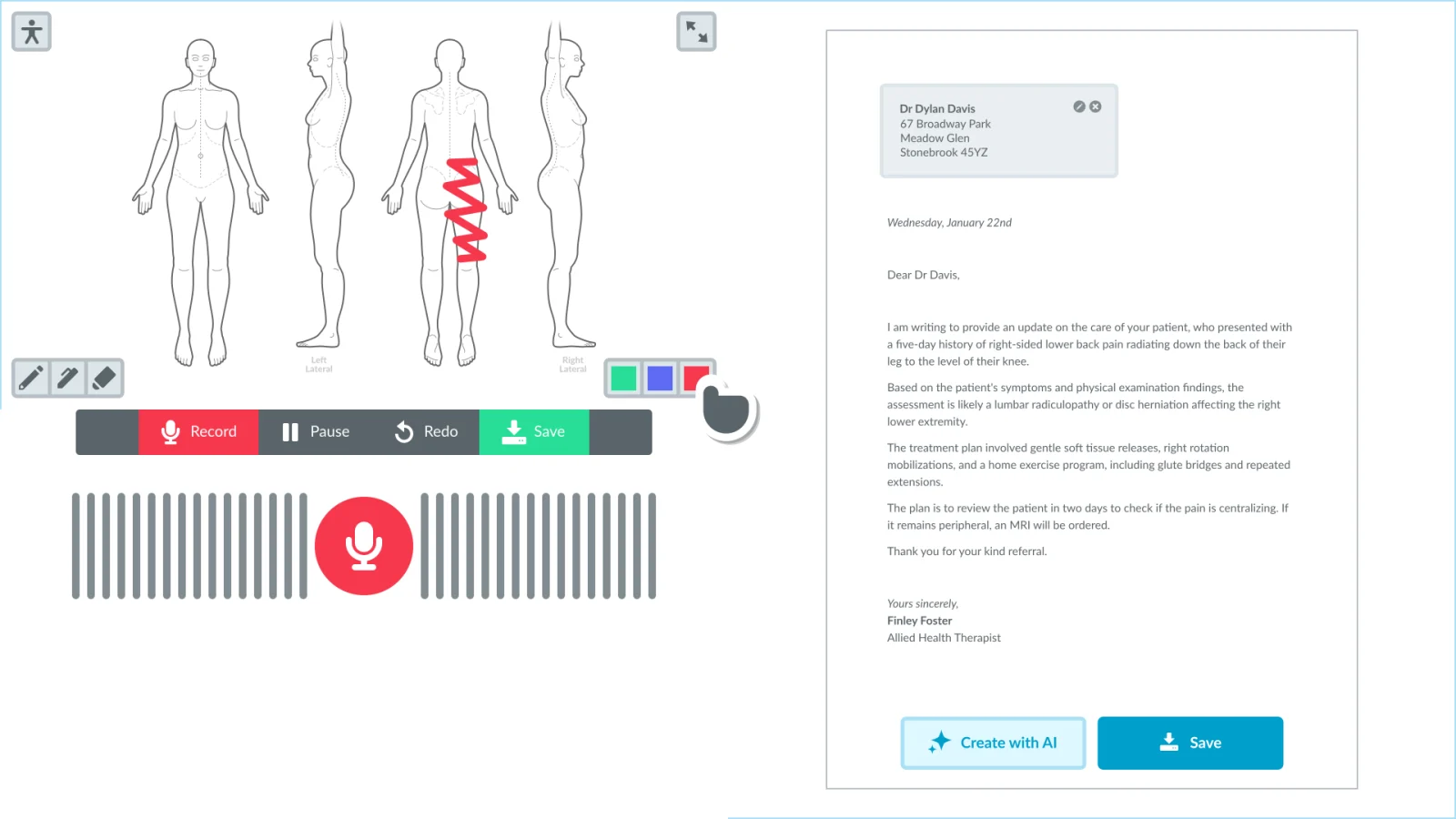
Clinical notes stay with your practitioners
Body charts, dictation and AI letters are your practitioners' work in Nookal. Volty does not read or write treatment notes, and passes clinical questions to your team.
Set up in days, not months
- 01
Sign up for the 7-day free sandbox trial, no credit card needed
Data is deleted after sandbox, unless you choose to retain it.
 Sandbox trial - 7 days free1234567
No credit card
Delete dataKeep data - 02
Connect your Nookal with an API key
In Nookal, go to Setup > Connections > API Keys > Generate API Key, tick the locations Volty may book into, set Status to Enabled, add the note Volty, save, and copy the key into Volty.
 API Keys
Setup › Connections › API Keys › Generate API Key
Locations
- Main Street
- Town Centre
- The Plaza
StatusEnabledNoteVoltySave - 03
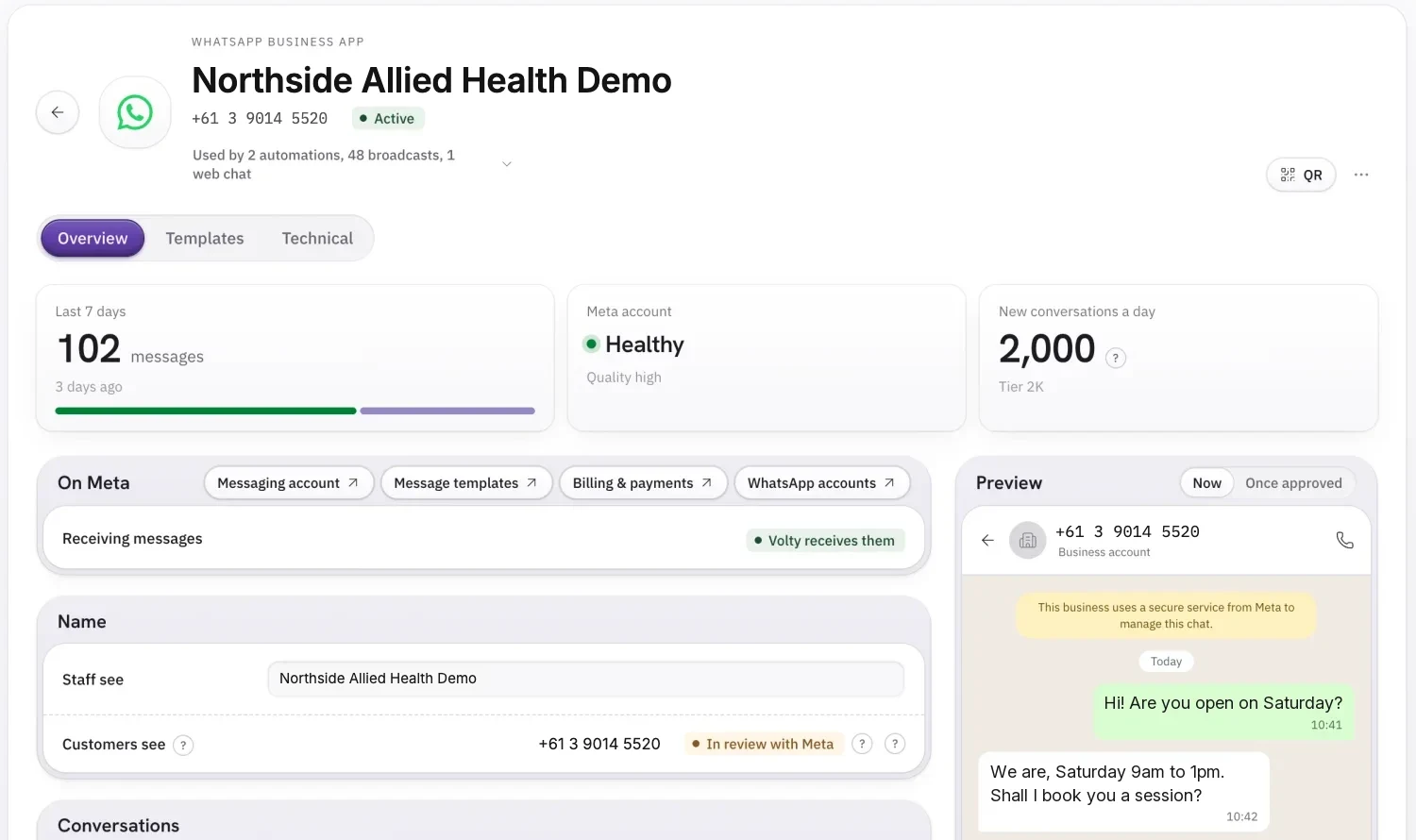
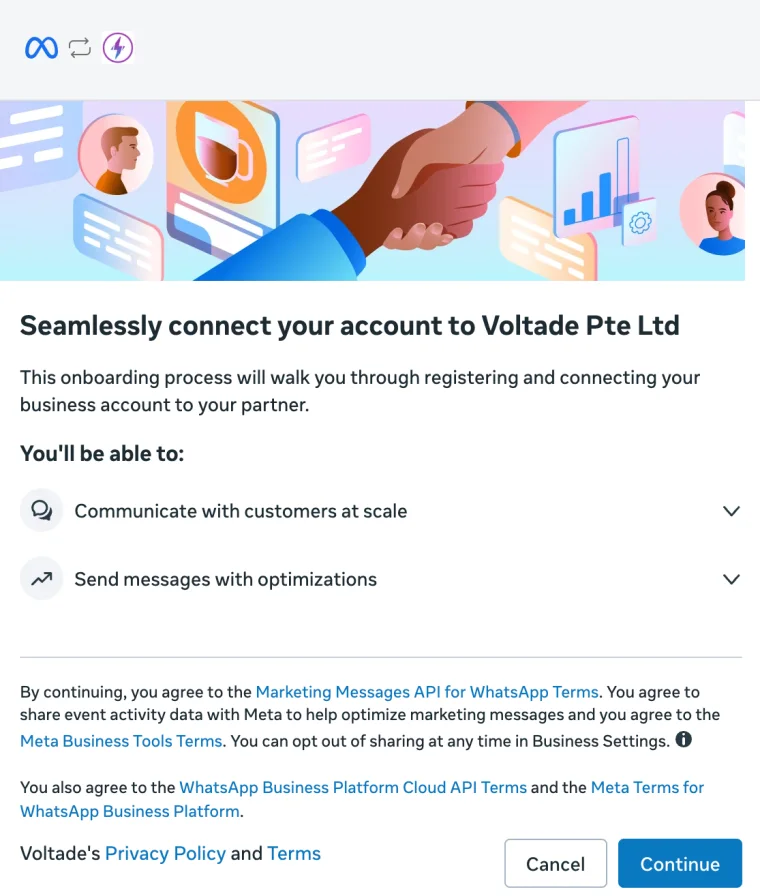
Connect your WhatsApp Business App
Log in with Facebook, add your WhatsApp Business number, and connect as a channel on Volty.


- 04
Set up your rules, by simply chatting with Volty
- Sync with your practitioners and appointment types
- Sync with your locations and online bookings settings
- Sync with your website and spreadsheets for prices and FAQs
VoltyCameron and Piper take bookings. Leave Finley's diary alone, he books his own.Done. Cameron Clarke and Piper Peabody are bookable.Only offer the appointment types we have on for online bookings.Synced your appointment types. I'll offer the three that are on for online bookings.We have three sites, Main Street, Town Centre and The Plaza. Ask patients which suits.Saved. I'll ask which site suits and keep to each one's online bookings lead time.Our prices and FAQs are on northsideallied.com.au and in this spreadsheet.Synced your prices and FAQs.Practitioners- CCCameron ClarkePhysiotherapistVolty books
- PPPiper PeabodyPsychologistVolty books
- FFFinley FosterOccupational therapistLeft alone
Appointment typesSynced to VoltyNameDurationOnline bookingsInitial consult45 minStandard consult30 minPsychology session50 minNDIS review60 minNoOnline Bookings- Main StreetOnline bookings on, 2 hours' lead time
- Town CentreOnline bookings on, 4 hours' lead time
- The PlazaOnline bookings on, 1 day's lead time
Volty asksWhich site suits you best: Main Street, Town Centre or The Plaza?
northsideallied.com.au/pricesNorthside Allied HealthSynced to VoltyPrices
- Initial consult$110
- Standard consult$90
- Psychology session$220
- Remedial massage, 60 min$120
FAQs
Do I need a referral?
No, you can book with us directly. Bring your health fund card to claim on the spot.
Can I change my appointment?
Yes, up to 24 hours before it.
- 05
Launch in Draft mode first, or Go live
Dry run appointment reminders, set WhatsApp/Email AI Agent to Draft first before Going live.
Appointment reminder: dry runFound 5 appointments tomorrow. Sent 0.
- Jack Wilson9:00amWould send
- Ava Martin10:00amWould send
- Liam Nguyen11:00amWould send
- Chloe Walker2:00pmWould send
- Ethan Brown4:00pmWould send
AI AgentWhatsAppDraftLive EmailDraftLiveDraft for staffApprove and send
Hi Liam, Cameron has 11:00am free on Thu, 23 Jan. Shall I book it?
Volty Security: Defence in Depth
Agent Permissions Layer
Every action Volty can take carries a risk and impact score. Low-risk work runs quietly in the background, and anything that spends money, reaches many people or cannot be undone waits for a person.
Volty wants to
Risk
What happens
Tag the chat as a new patient enquiry
LowRuns quietlyUndo any timeWrite a handover summary for the front desk
LowRuns quietlyStays inside VoltyReply on a treatment question you marked for review
MediumStaff approvesAny teammateSend a reminder broadcast to 2,400 patients
HighAdmin approvesReaches many at onceDelete 186 patient contacts
HighAdmin approvesCannot be undone

"Before Volty, I built the National Vaccination System during COVID, HealthHub, Digital MC, FormSG, and more. Security, strong encryption, and patient data privacy is critical in order to roll out such widely used systems."
Nookal (opens in a new tab) is practice management software for allied health clinics: physio, psychology, OT, podiatry, speech and more. Your practitioners keep their calendars, cases and notes in Nookal, and Volty builds on it: it answers your patients on WhatsApp, books and moves their appointments through Nookal's API, and keeps your waiting list moving.
Common questions
How does Volty connect to Nookal?
Through an API key your practice generates under Setup, Connections, API Keys. Tick each location Volty may book into, set the key to Enabled and note it as Volty. Then ask Volty in chat to connect Nookal and paste the key into the card it shows. Opening a new site later? Add that location to the same key.
How quickly does Volty pick up changes made in Nookal?
Within minutes. Nookal has no webhooks, so Volty polls it on a short schedule for cancellations and bookings your front desk made. Anything Volty itself books or moves lands in Nookal immediately.
Which appointments can patients book through Volty?
Only those you allow. You pick the practitioners and appointment types Volty may offer, and it reads their open times from Nookal's availability for the chosen location, keeping to your online bookings lead time. Returning patients see their usual practitioner's times first, and at a multi-site practice Volty asks where they'd like to be seen.
What will Volty change in Nookal, and what will it leave alone?
It books, reschedules and cancels appointments. Each of those three has a switch, Off, On or Check with staff, and all start Off. A freed slot can go to patients on your Nookal waiting list. Treatment notes, body charts, cases, NDIS and other budgets are never read or edited by Volty.
Do Nookal's SMS reminders still go out?
Yes, keep them. Nookal messages patients by SMS and email, not WhatsApp, which is where Volty comes in: a patient replies to a reminder however they like, and Volty confirms, reschedules or cancels in Nookal for them. Staff can read every thread, take over a conversation and pass it back.
Will Volty answer clinical questions?
No. It never assesses symptoms, diagnoses or suggests treatment. Volty answers from material your clinic supplies, such as fees, health fund rebates, NDIS questions and aftercare sheets, offers the next session, and routes anything clinical to a practitioner.
How is patient data protected?
A patient only ever hears about their own appointments: Volty matches the verified mobile or email on the conversation to the Nookal record first. Data and backups are kept in Singapore, AI processing runs under zero data retention, and the subprocessor list on voltade.com/security supports your Australian Privacy Act obligations.
How much does it cost to connect Nookal with Volty?
Every Volty plan includes seats, active contacts and AI credits and starts with a free 7-day trial, and the plan prices are on voltade.com/pricing. Meta bills message charges separately for WhatsApp, Instagram and Messenger.
Start your Sandbox Trial
Sign up for our 7-day trial. No credit card needed.
Future-proof your business with AI. Hear from our CEO
Meta now charges for WhatsApp replies. Here's what it means for your business, October 8, 2026