Integration

    Google Forms and Volty

    Volty checks Google Forms responses when someone asks whether their registration went through, and reminds registered people before the day.

    Updated

    A registration check

    Volty finds the family's response and confirms it.

    LT

    Linda Torres

    WhatsApp · Resident

    Hi, I registered my family for Sunday's family ride. Can you check it went through?
    Looked up Google FormsFamily Ride registration · Linda Torres · 4 riders
    VoltyHi Linda, yes. You're registered for 4 riders on Sunday. The ride starts at 7:30am from the community center, so please arrive by 7am.

    Google Sheets

    Family Ride registration · Responses

    NameRidersBike rentalSubmitted
    2Greg Novak2No27 Oct
    3Linda Torres42 bikes29 Oct
    4Ana Ruiz3No30 Oct

    Row 3 added by Volty

    What Volty does with Google Forms

    Google Forms is the free form tool many community groups and small teams use for registrations and feedback. Volty connects to Google Forms with one Google sign-in and reads forms and their responses. When a participant asks whether their registration went through, Volty checks the responses and answers.

    • Did my registration go through

      Volty finds the person's response before it answers.

    • Answers about the event

      Times, places and what to bring, from what you gave Volty.

    • Reminders before the day

      An automation can remind registered people with an approved template.

    • Read only

      Volty reads responses and changes nothing in Google Forms.

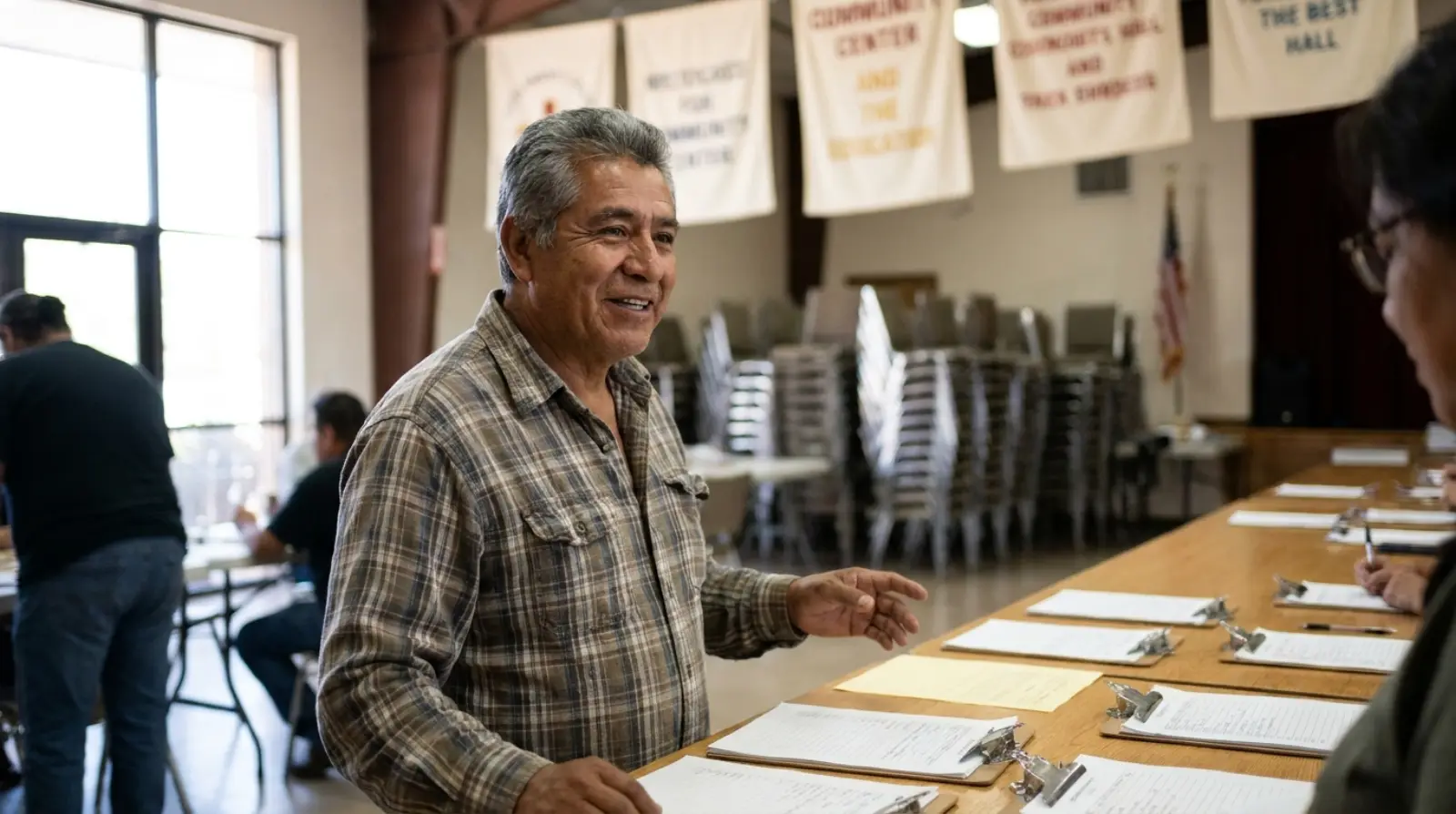
    A smiling older man in a plaid shirt at a registration table of clipboards in a community center hall, chairs stacked behind him.
    Volty checks who has registered.

    A question about the day

    Volty answers from the registration and the event details.

    LT

    Linda Torres

    WhatsApp · Resident

    Are the 2 rental bikes I asked for confirmed?
    VoltyYes, 2 rental bikes are reserved under your name. Please collect them at the registration table, and bring helmets for the children if you have them.

    As an automation

    Describe it to Volty in a sentence; it drafts the automation and an admin turns it on.

    Registration reminder

    1. When

      The day before

      A scheduled automation

    2. Step 1

      Reads the registrations

      From Google Forms

    3. Step 2

      Sends a reminder

      An approved template

    4. Step 3

      Answers the replies

      Times, parking, rentals

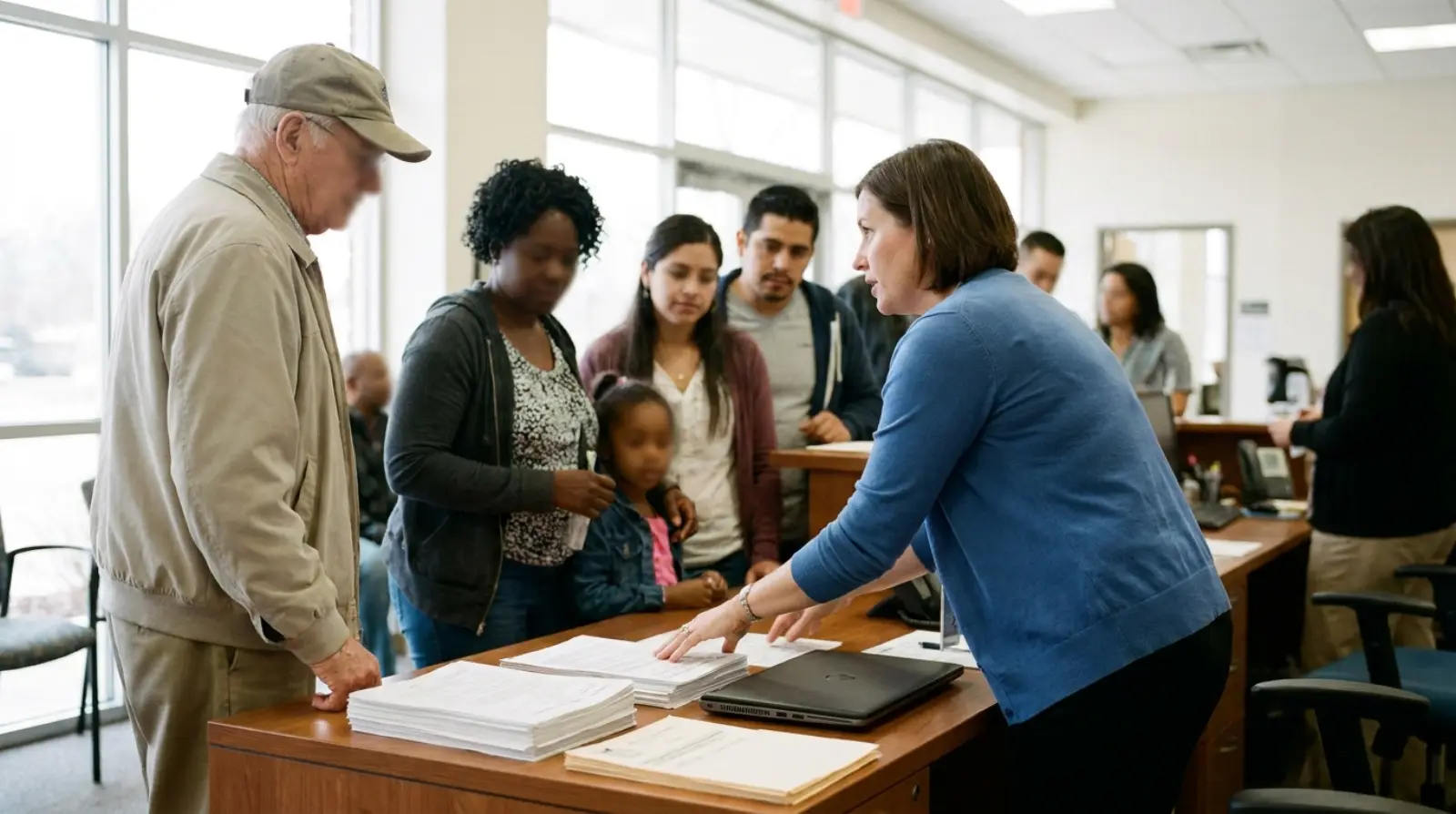
    Three volunteers with clipboards at a registration table in a park, people lining up to sign in.
    Participants get answers before they arrive.

    How Volty connects to Google Forms

    An admin signs in to Google Forms from the Sources page and turns on the tools Volty may use.

    1. 01

      Sign in with Google

      With the account that owns the forms.

    2. 02

      Turn on the reads

      Forms and responses.

    3. 03

      Add a reminder, optionally

      A scheduled automation with an approved template.

    The tools Volty gets

    Each one is a switch on the Sources page in Volty.

    • Read a formReads
    • List responsesReads
    • Read a responseReads

    Reading tools can be turned on straight away. Anything that changes Google Forms starts Off, and once on it can be set to check with staff, so each change waits for a colleague.

    Common questions

    Does Volty change anything in Google Forms?

    No. Volty reads forms and responses, and the conversation happens on your channels.

    How much does it cost to connect Google Forms with Volty?

    Every Volty plan includes seats, active contacts and AI credits and starts with a free 7-day trial, and the plan prices are on voltade.com/pricing. Meta bills message charges separately for WhatsApp, Instagram and Messenger.

    Sign up for our 7-day trial. No credit card needed.

    Not convinced? Hear more from our CEO and Volty

    The Leonard and Volty Show · 8 October 2026

    Meta now charges for WhatsApp replies

    Meta now charges for WhatsApp replies. Here's what it means for your business, 8 October 2026