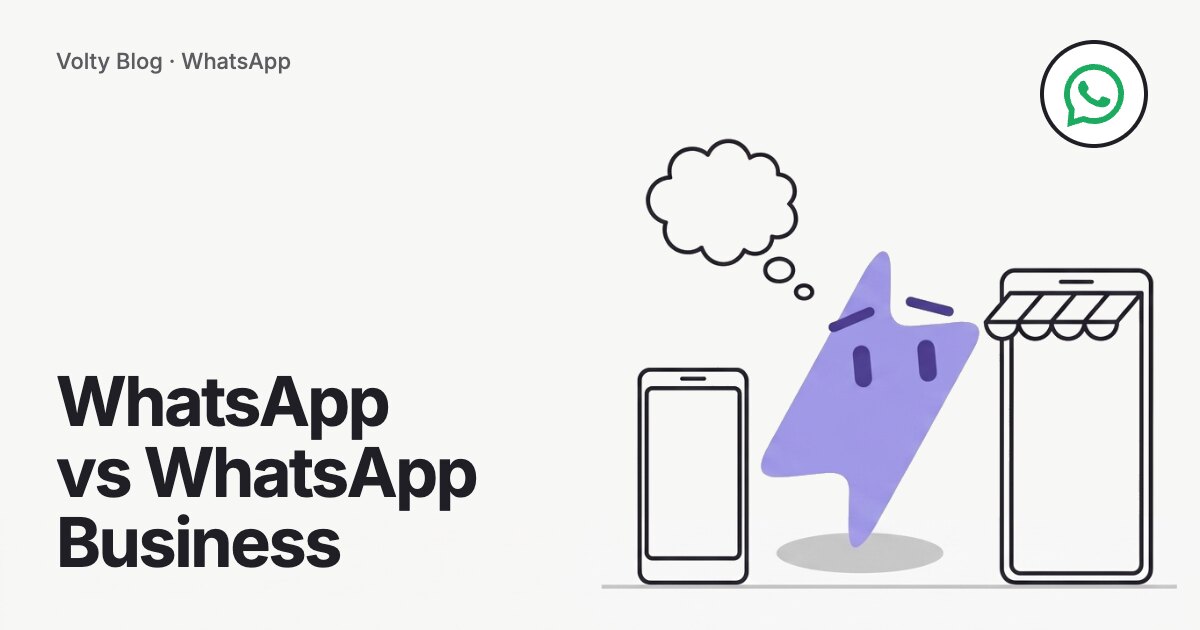


WhatsApp is the personal messaging app. WhatsApp Business is a separate free app, built for small businesses, that adds a business profile, a product catalog, greeting and away messages, quick replies and labels. Above both sits the WhatsApp Business API, which connects a number to software so that a whole team and automation can answer from it. Pick the app that matches how many people answer and how much you want to automate.
This guide compares the three, using Meta's own descriptions of its business products, and ends with a short test for when to switch. For a full breakdown of the app against the API, see our guide to the WhatsApp Business API.
The three products at a glance
| WhatsApp Business app | WhatsApp Business API | ||
|---|---|---|---|
| Made for | Personal chats with friends and family | A small business run from a phone | Teams, automation and connected systems |
| Business profile | No | Yes: logo, description, hours, website | Yes, set through the provider or Meta |
| Catalog | No | Yes | Available through the API |
| Greeting and away messages | No | Yes | Built in the provider's software |
| Quick replies and labels | No | Yes | Saved replies and tags in the inbox |
| People answering | One person | Phone plus up to four linked devices | As many agents as the platform allows |
| Chatbot or AI agent | No | No | Yes |
| Connection to a CRM or store | No | No | Yes |
| Cost | Free | Free | Meta's per-message fee plus a software plan |
WhatsApp: the personal app
The personal app has no business profile, no catalog, no automatic greetings and no way to separate customers from friends. A business that runs on it ends up with customer chats in the same list as family messages, and with one person's phone as the single point of failure. Use the personal app for personal chats and put the business on its own number.
WhatsApp Business app: the small-business tool
Meta describes the Business app as built with the small business owner in mind. It gives you:
A business profile with logo, description, hours of operation and website.
Greeting messages for new conversations, and away messages for outside business hours.
Quick replies for the questions you answer all day.
Labels to sort and filter conversations.
A catalog and cart so customers can browse products inside the chat.
Entry points such as QR codes, short links and buttons on your Facebook Page and Instagram profile.
Meta also offers Business Broadcasts in the app, to eligible users in select countries, and a paid Meta Verified option with a badge and the ability to link up to 10 devices. Meta shows the price of Meta Verified inside the app because it varies by country.
The limits are on people and systems. The app runs on one phone with up to four linked devices. It has no shared inbox with assignment, no AI agent and no integration with a CRM or a booking system. For an owner or a shop answering a few dozen chats a day, those limits may never matter.
WhatsApp Business API: when the phone is the bottleneck
The API connects your number to software. A team inbox, a chatbot, an AI agent or a CRM then works on the same number. Meta lists the use cases as notifications, promotions, commerce, customer care, verification and custom interactive flows. You pay Meta per delivered message, with the first 1,000 service messages each month on each number free, and you pay a provider for the software. Our guides to API pricing and to all three price points show the figures.
Two rules differ from the app. First, free-form replies must go out within 24 hours of the customer's last message, and after that you need a Meta-approved template. Second, there is no app on a phone: you work in the provider's inbox. Coexistence softens this for many businesses, since Meta lets one number run on the API and stay in the Business app. Read our coexistence guide for what it keeps and what it switches off.
A simple test for when to switch
Answer five questions about this number.
Do three or more people need to answer from it?
Do customers wait because nobody is available at night or on weekends?
Do you want to send reminders, confirmations or promotions to a list, in volume?
Do you want chats to connect to your CRM, store or booking calendar?
Do you want an AI agent or chatbot to answer routine questions?
No to all five: stay on the Business app. One yes: look at coexistence, which keeps the app. Two or more: the API is the right base, and the question becomes which provider.
Which one by type of business
| Business | Usual fit | Why |
|---|---|---|
| A freelancer or home business with a few chats a day | Business app | One person answers, and the free profile and quick replies cover the need |
| A shop with two or three staff sharing a phone | Business app, then coexistence | Linked devices work until staff need assignment and history in one place |
| A clinic or school with a front desk team | API | Several people answer, and reminders and bookings need to be automatic |
| An online store with promotions and order updates | API | Templates to a segment, tied to the store's orders |
| A company with sales and support teams | API | Routing by topic, a CRM and a record of who said what |
Mistakes to avoid
Running the business on a personal number. A customer base built there is hard to move and mixes with private chats.
Moving to the API for the sake of it. If one person answers a handful of chats, the app costs nothing and does the job.
Forgetting the 24-hour rule after moving. Free-form replies stop working once a customer's window closes, so keep approved templates ready for follow-ups.
Skipping the opt-in. Marketing sends to people who never asked lead to blocks and a falling quality rating.
Giving the number away to a provider you cannot leave. Confirm the WhatsApp account sits in your own Meta business portfolio.
Switching from personal WhatsApp to the Business app
Put the business on its own number if you can. Our guide to changing WhatsApp to a business account covers moving an existing number. Fill in the business profile with hours and a website as soon as you switch.
A worked example
Cutis Medical Laser Clinics outgrew the Business app. Staff were sending patient messages by hand across four devices. On Volty, the conversations sit in one team inbox connected to the clinic's patient records, with an AI agent writing replies that staff approve in one click where needed. The clinic reports a 24-second average first reply. Read the Cutis case study.

How to do this in Volty
If you want a shared inbox and an AI agent while keeping the app on your phone, Volty connects your WhatsApp Business app number through Meta's coexistence flow. Your team can keep replying from the app, and Volty adds the shared inbox and an AI agent that answers from your website and files, then hands over to a person when it should. Meta bills message fees directly. Try it on a 7-day free trial, no card needed, from the WhatsApp AI page, and see pricing for your country.
Frequently asked questions
What is the difference between WhatsApp and WhatsApp Business?
WhatsApp is the personal messaging app. WhatsApp Business is a separate free app for small businesses, with a business profile, a catalog, greeting and away messages, quick replies and labels. Customers see that they are talking to a business account.
Can I use WhatsApp and WhatsApp Business on the same phone?
Yes, if each app uses a different phone number. One number can be registered on only one of the two. Many owners keep their personal number on WhatsApp and put the business number on WhatsApp Business.
What is the difference between the WhatsApp Business app and API?
The app runs on a phone for one owner or a small team. The API connects the number to software, so many agents, chatbots, AI agents and integrations work on one number. The app is free, and the API charges Meta's per-message fees plus a software plan.
Is WhatsApp Business free?
The WhatsApp Business app is free to download and use. The API is not free: Meta charges per delivered message, with the first 1,000 service messages each month on each number free, and your software provider charges for its plan.
Can I keep the WhatsApp Business app when I move to the API?
Often yes, through Meta's coexistence feature, in the countries where it is available. Your number runs on the API and stays in the app. Group chats do not sync, and some app features, such as broadcast lists, are switched off.