Recursos
WhatsApp Business API docs, free WhatsApp tools and the Volty blog.
Actualizado
01
Volty help centre
Short videos from the Volty team on setting up and using Volty, each with written steps, screenshots, tips and fixes.
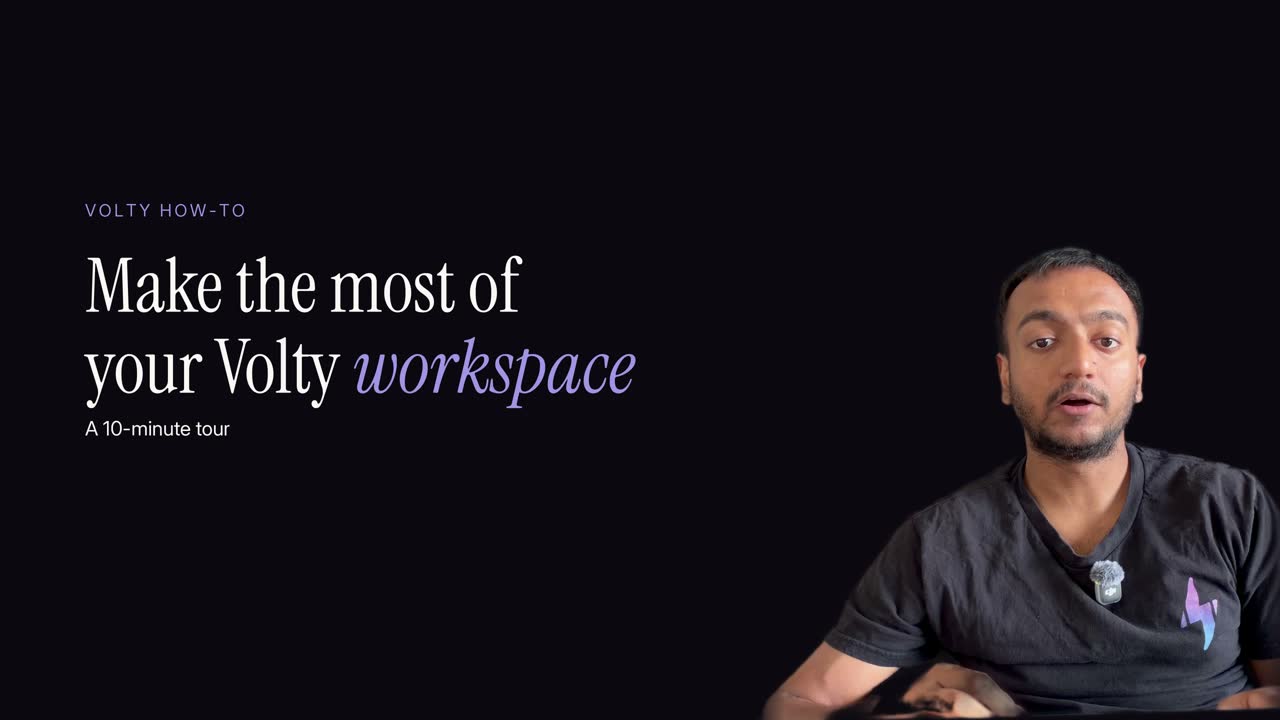 10:32 How to get started with your Volty workspaceA 10-minute tour: channels, the Sandbox number, Ask Volty, Rooms, contacts, automations, mini apps and billing.
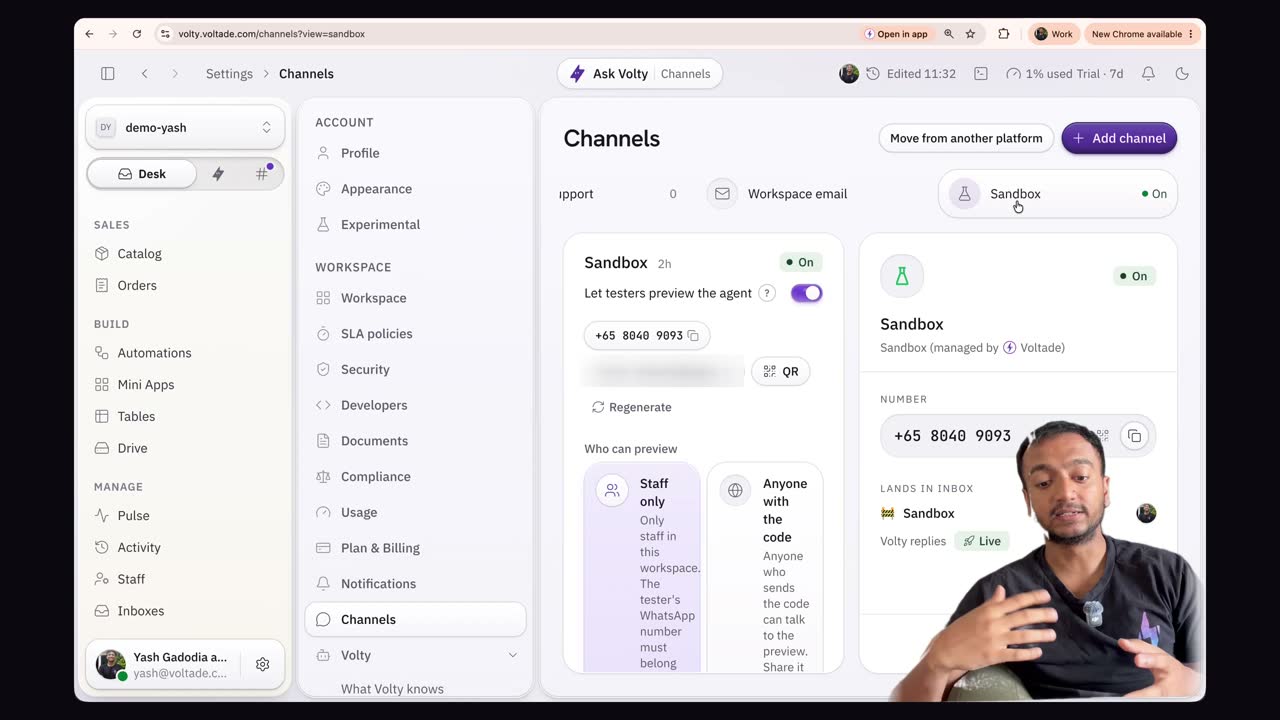 1:50 Test your AI agent with the Sandbox numberConnect to your workspace's Sandbox WhatsApp number and try your agent before you plug in your real one.
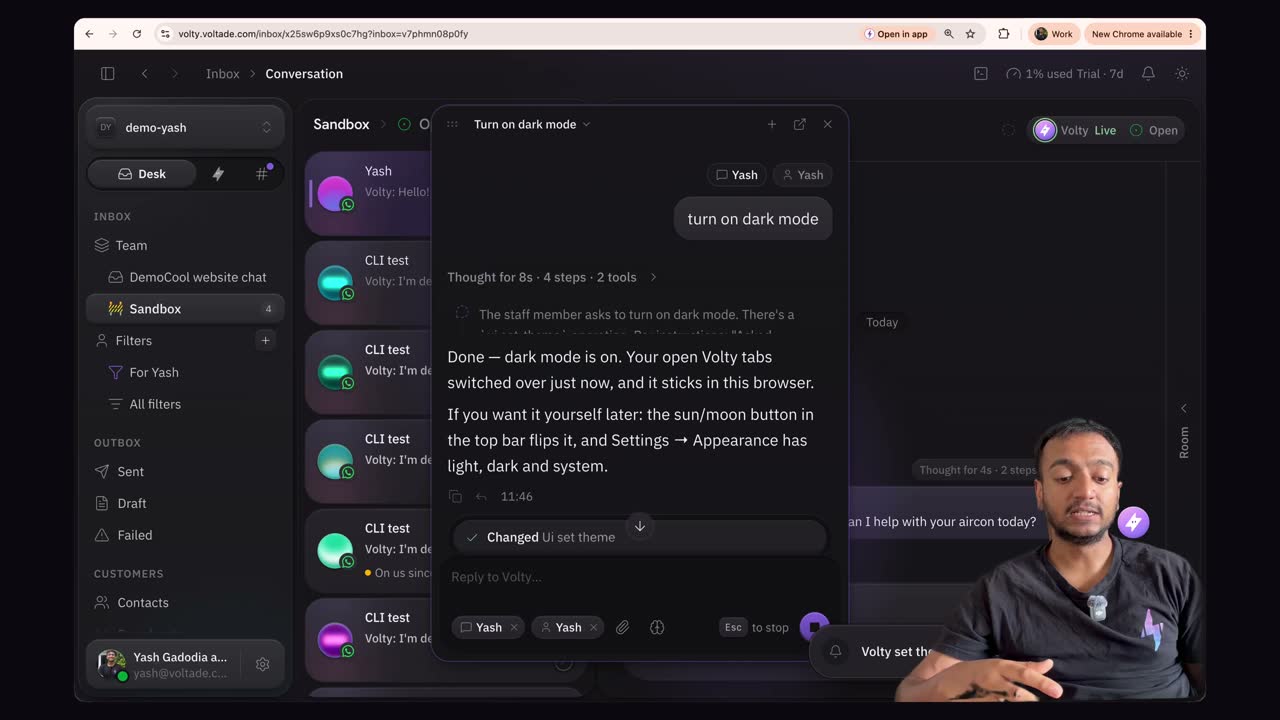 1:27 Ask Volty: set up your workspace by chattingAsk how to do something, or ask Volty to do it for you.
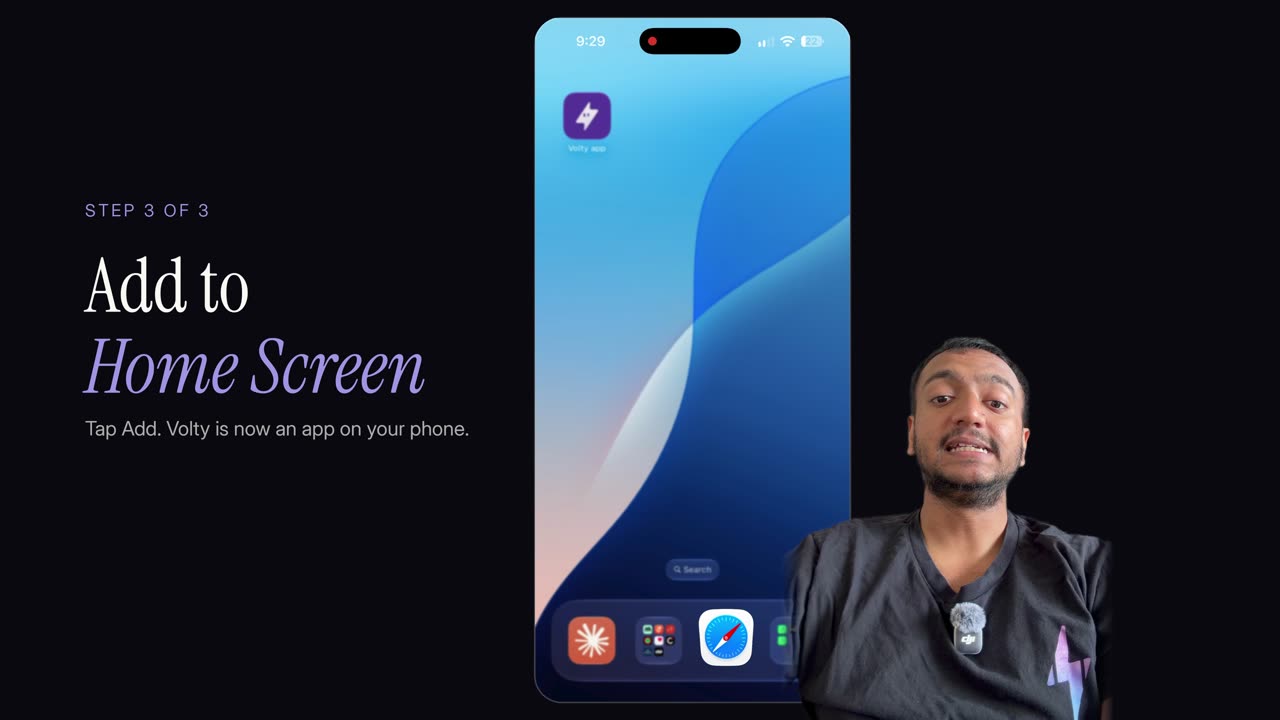 0:52 How to add Volty as a mobile phone appAdd Volty to your phone's home screen from Safari, in three steps.
02
Documentación de WhatsApp Business API
Soluciones y guías para la WhatsApp Business API, desde bloqueos y errores hasta precios y plantillas.
Messaging
Troubleshooting
- How to Fix Meta Error 459 (Account Checkpoint)
- Limitaciones de WhatsApp Coexistence: lo que debe saber
- WhatsApp Account Blocked? How to Restore Access to Your Blocked Account
- WhatsApp Error 131026: Message Undeliverable - Complete Troubleshooting Guide
- WhatsApp Error Code 131060: Companion Device Message Visibility Issue
- WhatsApp Error 131051: Unsupported Message Type in Coexistence
- WhatsApp Error 131049: Message Not Delivered to Maintain Healthy Ecosystem Engagement
- WhatsApp Error 131052: Media Download Error, Media No Longer Available
- WhatsApp Error 130497: Business Account Restricted from Messaging Users in This Country
- WhatsApp Error: Phone Number Already Linked to Automatic Events, Turn Off Auto Lists
- WhatsApp "Something Went Wrong, Please Try Again" When Connecting to the Business Platform
- WhatsApp Error: Object With ID Does Not Exist or Missing Permissions
- WhatsApp Error: Session Has Expired, Access Token Validation Failed
- How To Unban Your WhatsApp Account Within 24h
- WhatsApp Error #3: Application Does Not Have API Granular Permission
- WhatsApp Error #200: You Do Not Have Permission to Send Messages
- Unable to Remove WhatsApp Business App from Meta Business Portfolio
- WhatsApp Error: You Cannot Access the App Till You Log In to Facebook
- WhatsApp Error: Unable to Update Contact, Email Already Taken
- Error de WhatsApp: no se encuentra el nombre de la plantilla (error 132001)
- Error de WhatsApp: es necesario añadir un método de pago para campañas de difusión
- WhatsApp Error 131042: Business Eligibility Payment Issue, 72 Hour Block
- WhatsApp Error: Phone Number Not Eligible to Connect to Business Platform
- WhatsApp Error: Phone Number Already Registered with INBOX Product
- WhatsApp Disconnection: Messages Are Now End-to-End Encrypted Warning
- WhatsApp Error: This Account Can No Longer Use WhatsApp, Appeal Guide
03
Herramientas
Herramientas gratuitas de WhatsApp: calcule lo que cobra Meta o cree un enlace o un código QR para su número.
- Calculadora de precios de WhatsAppLo que cobra Meta al mes, por país y categoría de mensaje.
- Calculadora de precios de llamadas de WhatsAppLo que cobra Meta al mes por las llamadas que realiza, por país.
- Generador de enlaces de WhatsAppUn enlace wa.me a su número, con su mensaje de apertura ya escrito.
- Generador de códigos QR de WhatsAppUn código para imprimir que abre un chat con usted, en PNG o SVG.
04
Blog
Lo que publicamos en WhatsApp, correo electrónico y Volty.
- 24 nov 2026AI Agent Architecture: The Layers, Patterns and Trade-offs
- 24 nov 2026AI Agent Workflow: 5 Patterns and How to Design Your Own
- 24 nov 2026AI Guardrails: What They Are and How to Set Them for an Agent
- 23 nov 2026Agentic AI vs Generative AI: The Difference for a Business
- 23 nov 2026Types of AI Agents: The 5 Classic Types and the Business View
- 23 nov 2026What Are AI Agents? How They Work, With Business Examples
Inicie su prueba gratuita
Regístrese para su prueba de 7 días. No se necesita tarjeta de crédito.
Prepare su negocio para el futuro con IA. Escuche a nuestro CEO

The Leonard and Volty Show · 8 de octubre de 2026
Meta now charges for WhatsApp replies

The Leonard and Volty Show · 1 de octubre de 2026
Too busy to hire?

The Leonard and Volty Show · 21 de septiembre de 2026
From $500 chatbot jobs to agentic AI

The Leonard and Volty Show · 10 de septiembre de 2026
Your AI is a new employee

The Leonard and Volty Show · 4 de septiembre de 2026
Trust in the AI world

The Leonard and Volty Show · 29 de agosto de 2026
Does the AI model matter?

The Leonard and Volty Show · 19 de agosto de 2026
What are AI agents?
Meta now charges for WhatsApp replies. Here's what it means for your business, 8 de octubre de 2026